
Full Unicode support
Accented letters, Cyrillic, Arabic, Chinese, Japanese and emoji are all encoded correctly using UTF-8.
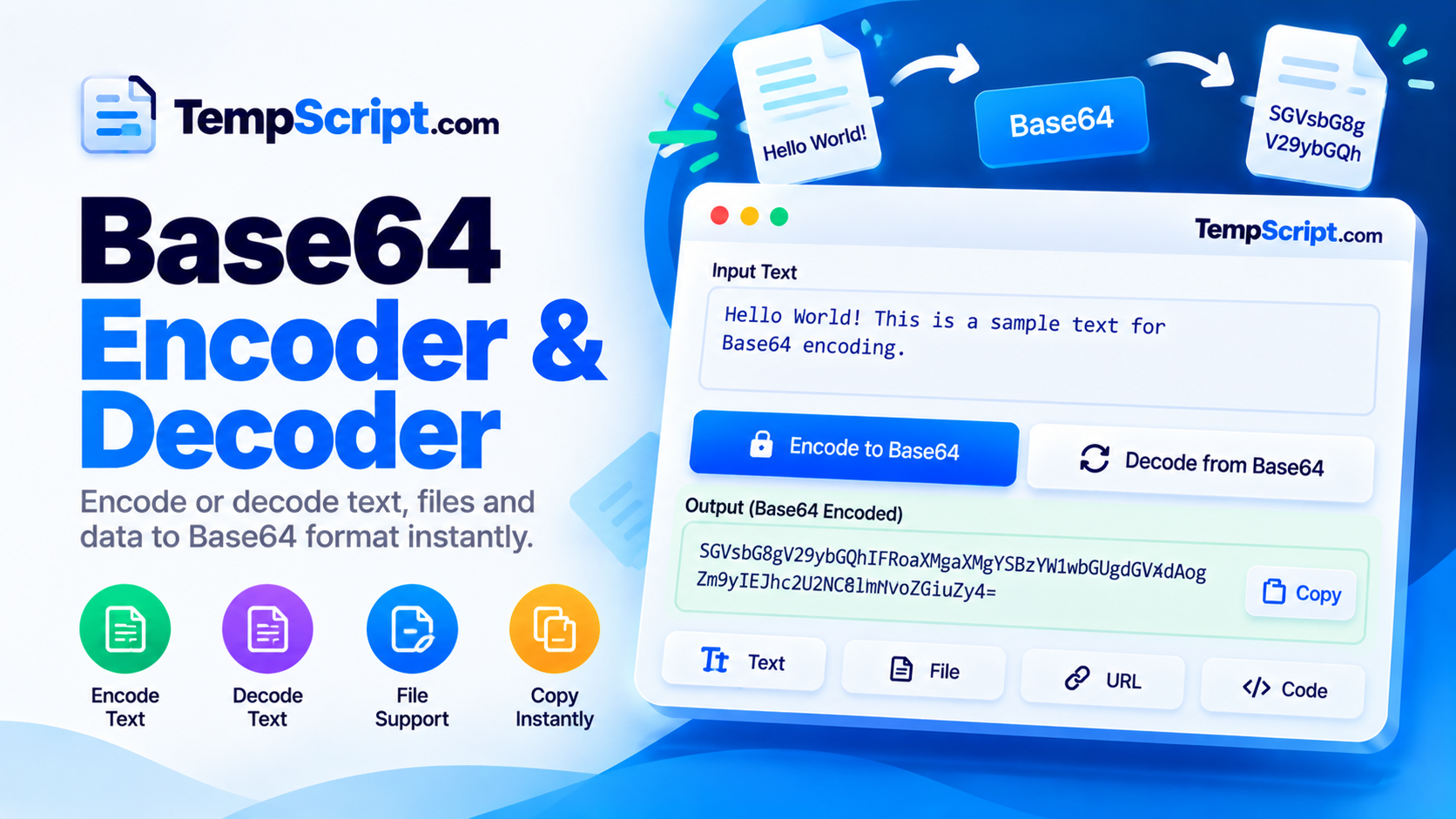
Encode text to Base64 or decode Base64 back to readable text instantly. Full Unicode support means accented letters, non-Latin scripts and emoji are handled correctly. No sign-up, no tracking, no data sent to a server.
Private by design. All encoding and decoding run locally using the native btoa(), atob(), TextEncoder and TextDecoder APIs. Your text is never uploaded, stored, or logged.
Base64 is an encoding, not encryption. Anyone with the string can decode it back to the original text. Do not use it to hide passwords or secrets.
Accented letters, Cyrillic, Arabic, Chinese, Japanese and emoji are all encoded correctly using UTF-8.
Click Encode or Decode and the result appears immediately, with no page reload.
Invalid Base64 produces a helpful explanation, so you know exactly why decoding failed.
Everything runs in your browser using native JavaScript functions. Nothing is transmitted or logged.
Move the output back into the input with one click, so round-tripping is a single gesture.
Side-by-side panels on desktop, stacked panels on mobile — comfortable on any screen size.
TextEncoder and TextDecoder APIs to convert text to UTF-8 bytes before encoding to Base64, and to decode those bytes back to UTF-8 on the way out. This means accented letters, non-Latin scripts and emoji are handled correctly.+ and / characters, which have special meaning in URLs. URL-safe Base64 replaces + with a hyphen and / with an underscore. This tool accepts both forms when decoding.Base64 shows up constantly in modern software, often without any explanation of what it is or why it exists. You see it in data URLs for inline images, in JSON Web Tokens, in HTTP Basic authentication headers, in email attachments, and in any situation where binary data needs to travel through a channel that only accepts text. Understanding what Base64 does and does not do is essential for anyone working with web APIs, authentication, or configuration files.
Base64 takes a sequence of bytes and rewrites it using 64 printable ASCII characters: the uppercase letters A–Z, the lowercase letters a–z, the digits 0–9, the plus sign + and the forward slash /. Because each Base64 character carries six bits of information, four Base64 characters represent exactly three bytes of input. If the input length is not a multiple of three, the encoder pads the output with one or two equals signs = to keep the length aligned.
Every Base64 string can be decoded back to the original bytes by anyone who has it. There is no key, no password, and no secret involved. A common mistake is to assume that an encoded password or API key is now safe because it is unreadable at a glance. It is not. Treat Base64 strings exactly as you would treat the original data — because anyone who intercepts them can decode them in a fraction of a second.
The browser's built-in btoa() and atob() functions work on binary strings, meaning they interpret each character as a single byte. This breaks for any character outside the ASCII range. The correct approach — used by this tool — is to convert the text to UTF-8 bytes with TextEncoder first, then encode those bytes to Base64. On the way back, decode the Base64 to bytes and use TextDecoder to interpret those bytes as UTF-8. This is what makes emoji and non-Latin scripts round-trip correctly.
Standard Base64 uses + and /, which have special meaning in URLs and filenames. When a Base64 string needs to appear inside a URL — for example, in a JSON Web Token or a query parameter — the + is replaced with a hyphen - and the / with an underscore _. Padding is often stripped as well. This variant is called base64url. The tool on this page accepts both forms when decoding, so you can paste either style without worrying about which one a system produced.
+ and - is ambiguous. Decode it in the mode that matches how it was produced.This Base64 encoder and decoder is part of the TempScript free online tools collection. It runs entirely in your browser, requires no account, and never sends your data anywhere. If you work with APIs and text regularly, you may also find our URL encoder and decoder and JSON formatter useful for quick formatting tasks.
© 2026 TempScript. All rights reserved.