
Ready-made presets
Exact recommended sizes for Instagram posts, stories and reels; YouTube thumbnails and banners; TikTok videos; LinkedIn profiles, posts and banners; and Facebook covers and posts.
Crop and resize images for Instagram, YouTube, TikTok, LinkedIn and Facebook — all in your browser. Pick a preset, adjust the crop, and download as PNG, JPG or WebP. No uploads, no sign-up, no watermark.
Private by design. Your images are processed entirely in the browser using the HTML5 Canvas API. They are never uploaded, stored, or logged on any server.
or click to browse your device
JPG, PNG, WebP, GIF — max ~20 MB
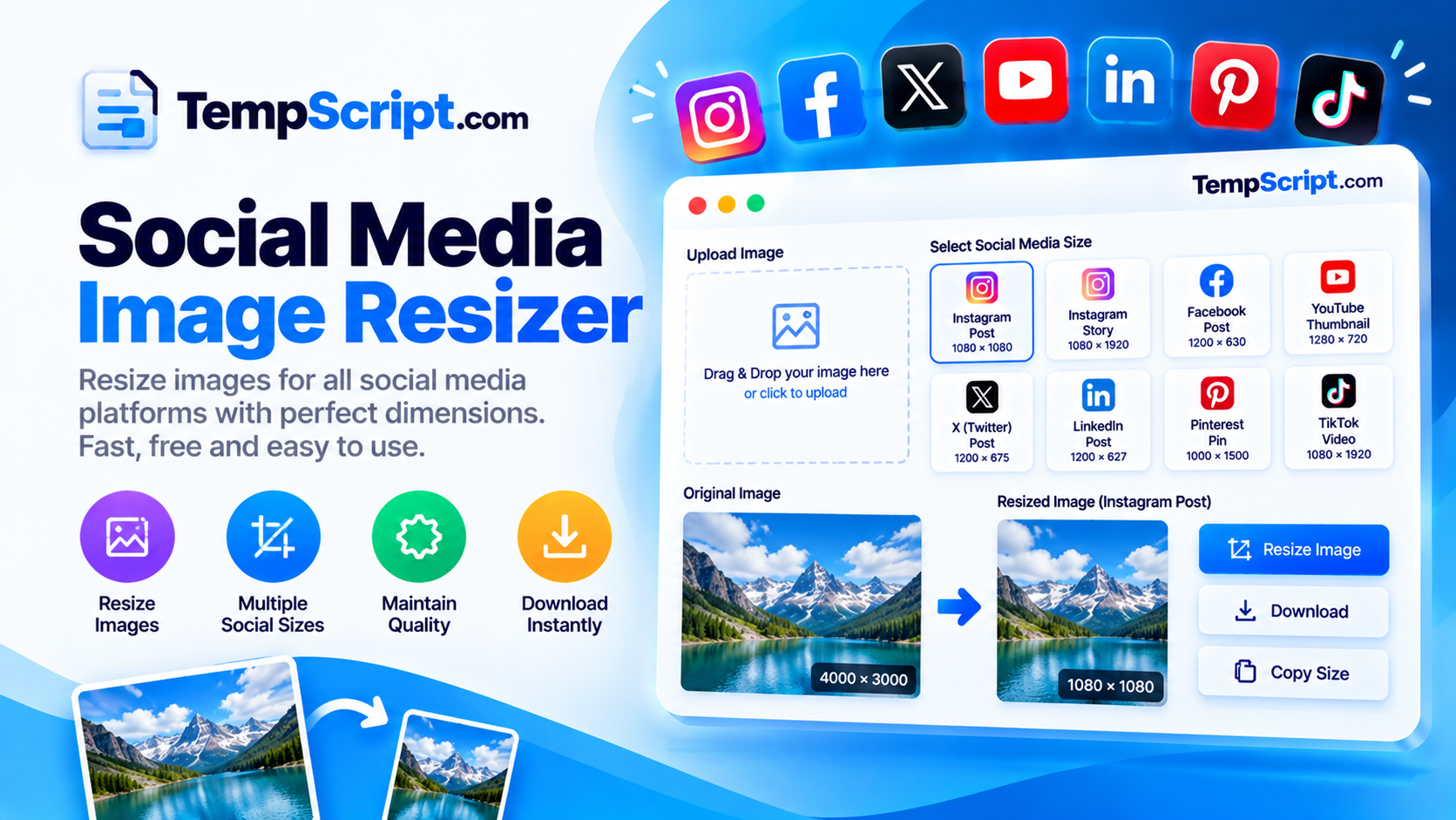
Exact recommended sizes for Instagram posts, stories and reels; YouTube thumbnails and banners; TikTok videos; LinkedIn profiles, posts and banners; and Facebook covers and posts.
Zoom, drag and adjust position with sliders or by dragging directly on the preview. Lock or unlock the aspect ratio as needed.
Export as lossless PNG, compact JPG with adjustable quality, or modern WebP for the smallest file size.
All processing happens in your browser via Canvas. Your images are never uploaded, stored, or logged anywhere.
Canvas and controls sit side by side on desktop and stack vertically on mobile — comfortable on any screen.
See exactly what will be exported, along with the estimated output file size, before you download.
Every social platform has its own idea of the ideal image size, and getting it wrong has visible consequences: awkward crops in feeds, blurry thumbnails, or a banner that leaves large empty margins. A dedicated resizer that lets you crop and export for each platform is faster than reworking the same image five times in a general-purpose editor.
For photographs, JPG at high quality is a good default: small file, natural-looking gradients, and no transparency needed. For graphics, logos, screenshots or anything with sharp edges and flat colour, PNG gives you lossless quality and crisp text. WebP is the modern choice when you need both good compression and transparency — it is supported by every current browser and by all the major social platforms as an upload format.
Resizing alone changes the dimensions of an image without changing its composition. Cropping changes what part of the image ends up in the final frame. A square Instagram post cut from a landscape photo will either include the whole width with large letterbox areas, or a tightly cropped section. Being able to drag the crop and see the result live is the difference between a picture that looks intentional and one that looks accidental.
This image resizer is part of the TempScript free online tools collection. It runs entirely in your browser, requires no account, and never sends your images anywhere. If you work with images and text regularly, you may also find our Base64 encoder and decoder and QR code generator useful for embedding assets and creating shareable links.
© 2026 TempScript. All rights reserved.