Free • No account needed

Temporary Text & Pastebin

Paste text, code snippets or notes, choose when they should expire, and share them with a link. This online pastebin is handy for quick hand-offs, debugging help and moving text between devices.

Pastebin tool

0 characters 0 words 0 lines 0 B

Loading paste…

Please wait a moment.

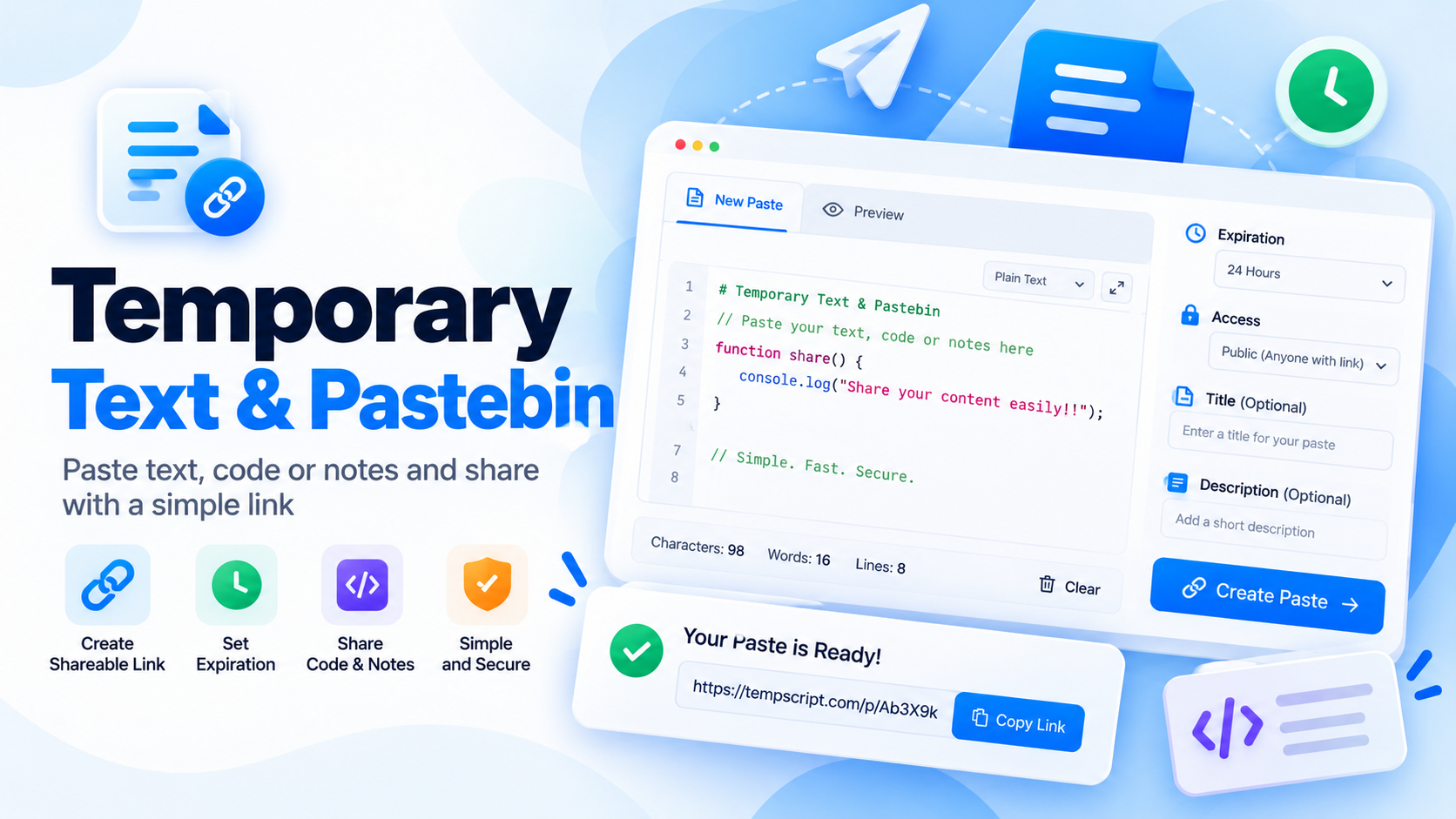
Temporary text and pastebin tool with a text editor, an expiry setting and a shareable link
Write or paste your text, pick an expiry time and share the link.

How to use the pastebin

  1. Add your text. Type or paste text, code or notes into the editor. The counters show characters, words, lines and size as you go.
  2. Add a title (optional). It helps the person opening the link understand what they are looking at.
  3. Choose an expiry time. Pick how long the paste should stay available.
  4. Create the paste and copy the link. Select Create paste, then copy or share the link that appears.
  5. Open or share the link. Anyone with the link sees a read-only page where they can copy or download the text, until it expires.

Key features and benefits

Code-friendly editor

A large monospaced editor with optional line wrapping and Tab-key indentation keeps snippets readable.

Expiry control

Choose 10 minutes, 1 hour, 24 hours or 7 days, so text does not linger longer than you intend.

One link to share

Every paste gets its own unique link, with copy and share buttons built in.

Live checks

Character, word, line and size counts with instant validation, plus a warning if your text looks like it holds a key or token.

Read-only view

Recipients get a clean page to read, copy or download the text without being able to change it.

Plain-text safety

Pastes are always displayed as text, never executed as code or HTML.

Practical use cases and examples

Sharing a code snippet

Send a function or config file to a teammate without squeezing it into a chat message. Example: a 40-line script that expires in 24 hours.

Asking for debugging help

Share an error log or stack trace so others can read it with its formatting intact. Remove tokens and personal data first.

Moving text between devices

Paste text on your phone, open the link on your computer, and let it expire after 10 minutes.

Short-lived notes

Pass along meeting notes, instructions or a draft message that only needs to be available for a limited time.

Privacy, security and limitations

  • Where your text goes. When you select Create paste, your title and text are sent to the paste service and stored there so the link can work on any device.
  • Not private or encrypted. Anyone who has the link can read the paste. Pastes have no password and are not end-to-end encrypted. Never paste passwords, API keys, private keys or personal data.
  • Expiry. Once a paste expires, it stops being accessible and the link shows an expiry message. The server's retention policy determines when the underlying record is removed. The current API does not support manual deletion from the frontend.
  • Shown as plain text. Pastes are displayed as text and never run as code or HTML. Still, treat code and links from other people with care. Shared paste pages ask search engines not to index them.
  • Limitations. Text only (no file uploads), up to 80,000 bytes (UTF-8) per paste, no editing after creation, no syntax highlighting, and an internet connection is needed to create or open shared pastes. Please do not use this tool for unlawful or abusive content, which may be removed.

Frequently asked questions

How does the pastebin create a shareable link?
When you create a paste, the tool sends your text and settings to the paste service, which stores it and returns a unique link. Anyone who opens that link sees a read-only view of the paste.
What happens when a paste expires?
Expired pastes stop being accessible, and the link shows an expiry message. The server's retention policy determines when the underlying record is removed.
Is my paste private or encrypted?
No. Pastes are not password-protected or end-to-end encrypted. An unlisted link is hard to guess but is not a secret. Do not paste passwords, API keys, private keys or personal data.
Is there a size limit?
Yes. The editor accepts up to 80,000 bytes (UTF-8) per paste to stay safely within the server's request limit. The counter under the editor shows how much you have used.
Can I edit or delete a paste after creating it?
Pastes cannot be edited after creation, and the current API does not support manual deletion. Pastes stop being accessible when they expire.

© 2026 TempScript. All rights reserved.