
Component encoding
Encode or decode a single value with encodeURIComponent / decodeURIComponent.
Encode and decode URLs and their components instantly in your browser, inspect query strings parameter by parameter, and see detailed errors when something is not valid percent-encoding. No sign-up, no tracking, no data sent to a server.
Private by design. All encoding and decoding run locally using the native encodeURIComponent(), decodeURIComponent(), encodeURI() and decodeURI() functions. Your URLs are never uploaded, stored, or logged.
Encodes reserved characters like &, =, ? and /. Best for a single query value or a search term.
? to inspect its parameters.
| Key | Decoded value | Raw value |
|---|
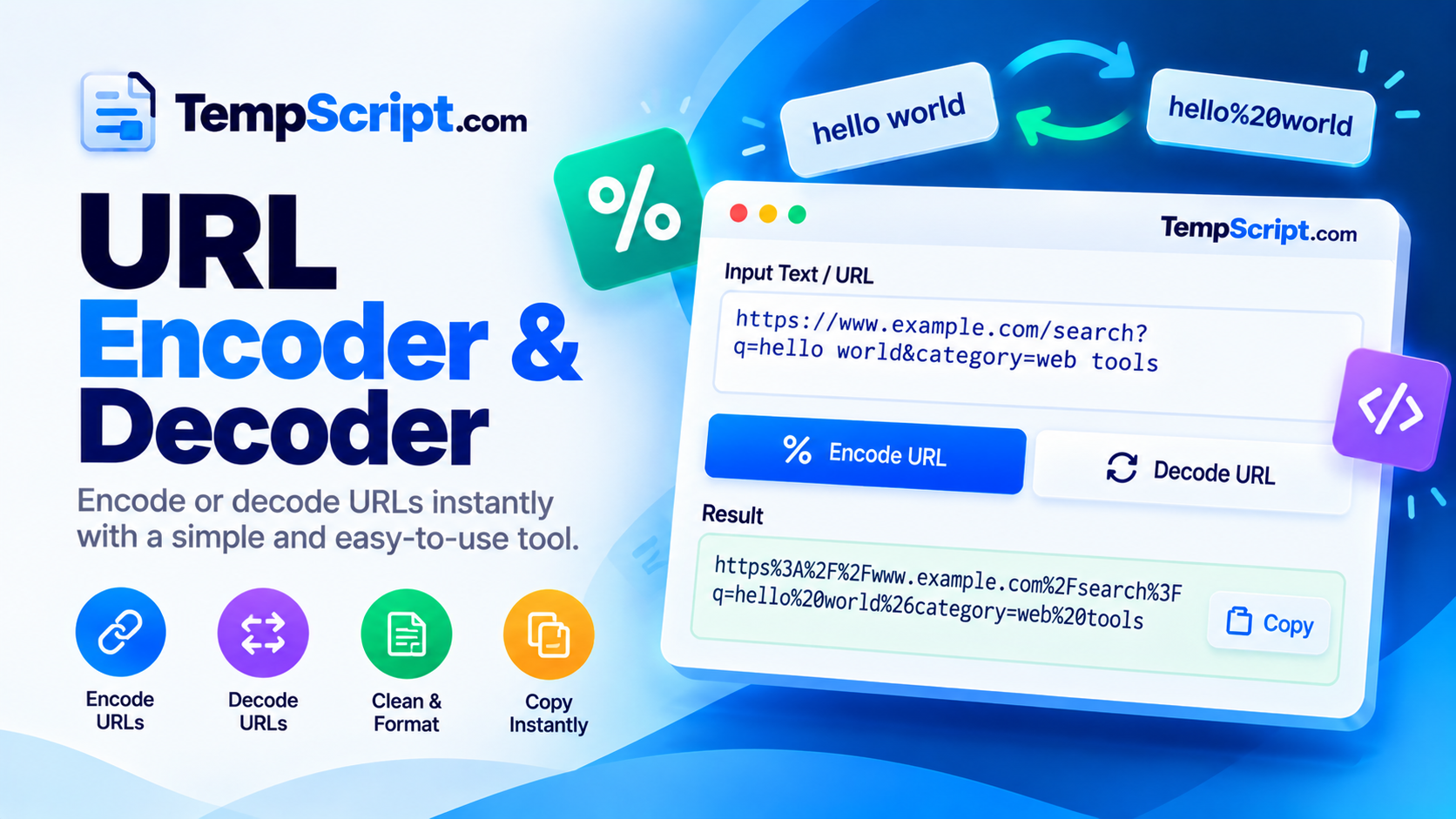
%XX escapes; Decode turns them back into their original characters.? in it, the query inspector below the panes breaks it into individual parameters.Encode or decode a single value with encodeURIComponent / decodeURIComponent.
Use encodeURI / decodeURI to work with a complete URL while preserving its structure.
Break any URL into its individual parameters with decoded and raw values shown side by side.
Invalid percent-encoding produces a clear error instead of silently returning broken output.
Everything runs in your browser with native JavaScript functions. Nothing is transmitted or logged.
Side-by-side panels on desktop, stacked panels on mobile — comfortable on any screen size.
decodeURIComponent() rejects malformed percent-escapes. The tool reports the error rather than silently returning a corrupted string.%20 and an ampersand inside a query value becomes %26.encodeURIComponent encodes a single piece of a URL, like a query value, and will encode reserved characters such as &, =, ? and /. encodeURI encodes a whole URL and preserves those reserved characters because they are meaningful in the URL's structure.decodeURIComponent throws an error when it encounters a percent sign that is not followed by two valid hexadecimal digits, or when a percent-encoded byte sequence is not valid UTF-8. The tool shows a clear error message in that case.URLs were designed to carry a limited set of characters — mostly letters, digits and a handful of punctuation. Anything outside that set, including spaces, non-Latin scripts and many symbols, must be represented in a form the protocol understands. That representation is called percent-encoding, and it is the reason you see sequences like %20 and %C3%A9 in links.
Percent-encoding converts a character into one or more bytes (usually UTF-8), then writes each byte as a percent sign followed by two hexadecimal digits. A space becomes %20. An accented "é" becomes %C3%A9. An ampersand inside a query value becomes %26, which is essential because an unescaped & would otherwise be interpreted as the start of a new parameter. The same reasoning applies to =, ?, # and other characters that have structural meaning in a URL.
JavaScript gives us two pairs of functions:
&, =, ?, /, # and other reserved characters, because inside a component those characters have no structural role. Use this for query values, form fields and path segments.&, =, ?, /, : and other characters that have meaning in the URL's structure. Use this when you want to normalize a full address without breaking its parts.Choosing the wrong one is the most common source of encoding bugs. If you encode a full URL with encodeURIComponent, the resulting string is unusable as a URL. If you encode a query value with encodeURI, an & inside the value will leak out and split the parameter in two.
A query string starts after the first ? and consists of key-value pairs separated by &. Each pair is usually key=value, though a bare key with no = is also valid. Values are typically percent-encoded, and the same key can appear more than once — a common pattern for multi-select filters. The query inspector in this tool decodes each value separately so you can see exactly what the server will receive, while keeping the raw form visible for comparison.
%2520 (which decodes back to %20, not a space). Decode first if you are unsure.application/x-www-form-urlencoded bodies, a space is represented as +. In URLs proper, a space should be %20. The two are not interchangeable in every context.decodeURIComponent to throw.This URL encoder is part of the TempScript free online tools collection. It runs entirely in your browser, requires no account, and never sends your data anywhere. If you work with URLs and query strings regularly, you may also find our JSON formatter and text case converter useful for quick formatting tasks.
© 2026 TempScript. All rights reserved.