UUID v4 Generator – Free Random UUIDs | TempScript
Cryptographically secure • 100% browser-based

UUID v4 Generator

Generate cryptographically random UUID v4 identifiers instantly in your browser. Choose how many to create, copy them individually or all at once, download as a text file, and validate any UUID with one paste. No sign-up, no tracking, no data sent to a server.

UUID v4 generator tool

Private by design. UUIDs are generated locally using the browser's native crypto.randomUUID() API, with a fallback to crypto.getRandomValues(). Nothing is uploaded, stored, or logged.

Use a preset or enter a custom number between 1 and 1000.

Generated UUIDs

—

No UUIDs yet. Click Generate UUIDs to create a fresh batch.

They are generated with a cryptographically secure random source.

Count: 0 Format: Standard (8-4-4-4-12) Generator: —

Validate a UUID

Paste any UUID to check whether it is a well-formed v4 identifier. The validator is strict: it will reject UUIDs with the wrong version or variant bits.
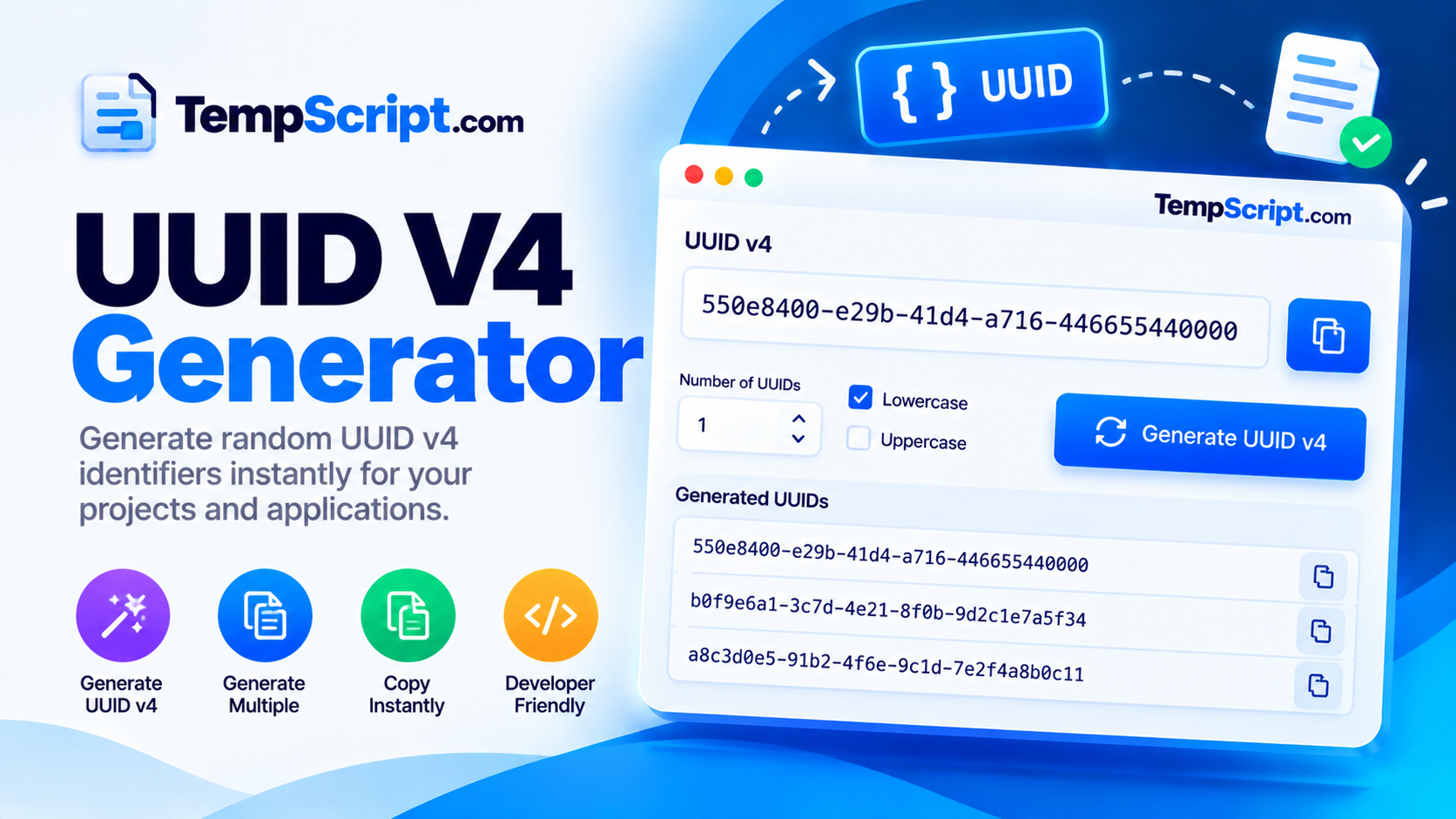
UUID v4 generator interface with quantity options, a list of generated identifiers and a validator
Generate a batch of UUIDs, copy them individually or in bulk, and validate any UUID instantly.

How to use the UUID v4 generator

  1. Choose a quantity. Use one of the presets (1, 5, 10, 25, 100) or type a custom number between 1 and 1000.
  2. Pick a format. Choose lowercase or UPPERCASE. Optionally wrap each UUID in braces or remove hyphens for a compact 32-character form.
  3. Click Generate UUIDs. A fresh batch is created instantly using the browser's cryptographically secure random source.
  4. Copy what you need. Use the copy icon next to any individual UUID, or use Copy all to grab the entire batch as a newline-separated list.
  5. Download or validate. Save the batch as a .txt file, or paste any UUID into the validator to confirm it is well formed.

Key features and benefits

Cryptographically secure

Uses crypto.randomUUID() with a crypto.getRandomValues() fallback — the same source used by security-sensitive browser code.

Bulk generation

Generate up to 1,000 UUIDs at once, with a clear per-item list and a one-click bulk copy.

Format options

Lowercase or uppercase, with or without hyphens, and optional braces to match any system's expectations.

Built-in validator

Paste any UUID to confirm it is a well-formed v4 identifier, with a clear reason if it is not.

Copy & download

Copy individual UUIDs, copy the whole batch, or download them as a plain .txt file.

Responsive layout

Comfortable on phones and tablets, with an editor-style list on desktop and large touch targets on mobile.

Privacy and limitations

  • Fully client-side. Every UUID is generated in your browser. Nothing is uploaded, stored, or logged on any server.
  • No tracking of content. The tool does not record which UUIDs you generate or validate. There is no analytics on input or output.
  • UUIDs are not secrets. A UUID is a random number, not a password. If you use a UUID as a secret token (for example in a password reset link), treat it like a password and never expose it publicly.
  • No automatic saving. Generated UUIDs are not persisted between visits. Reloading the page clears the list.
  • Version 4 only. This tool generates UUID version 4 (random) identifiers. It does not generate v1 (time-based), v3/v5 (namespace and name based), v6, v7 or v8 UUIDs.
  • Batch size. Up to 1,000 UUIDs per batch. Larger batches may take a moment because everything runs in memory and renders to the DOM.

Frequently asked questions

What is a UUID v4?
A UUID (Universally Unique Identifier) is a 128-bit identifier usually written as 32 hexadecimal digits grouped in five parts, like 550e8400-e29b-41d4-a716-446655440000. Version 4 UUIDs are generated randomly rather than from a timestamp or MAC address.
Are UUID v4 identifiers really unique?
Yes, for practical purposes. A v4 UUID has 122 random bits, giving about 5.3 × 1036 possible values. The chance of two generated UUIDs colliding is astronomically small — you would need to generate billions per second for decades before it became a realistic concern.
How are UUIDs generated in this tool?
The tool uses the browser's built-in crypto.randomUUID() function when available, which produces a cryptographically random v4 UUID. If that function is unavailable, it falls back to crypto.getRandomValues() and sets the version and variant bits manually.
Is it safe to use these UUIDs in production?
Yes. crypto.randomUUID and crypto.getRandomValues both draw from a cryptographically secure random number generator, which is the same source used by security-sensitive code in the browser. They are appropriate for database primary keys, session identifiers and file names.
Are UUIDs private?
A UUID is just a random number — it contains no personal information. However, if you use a UUID as a secret token (for example in a password reset link), treat it like a password and never share it publicly.
Can I generate uppercase UUIDs?
Yes. UUIDs are case-insensitive by specification. This tool lets you toggle between lowercase and uppercase formatting to match your project's convention.

A practical guide to UUIDs: what they are and when to use them

UUIDs, or Universally Unique Identifiers, show up everywhere in modern software. They are the strings you see in REST API responses, the primary keys in distributed databases, the file names in object storage, and the correlation IDs in distributed traces. They solve a specific problem: how do you generate an identifier in one place without coordinating with anyone else, and still be confident no other place will produce the same value?

How a UUID is structured

A UUID is 128 bits, conventionally written as 32 hexadecimal digits separated by hyphens in the pattern 8-4-4-4-12. That hyphenated form is not the UUID itself — it is just a display convention that makes the value easier to read and to copy without introducing errors. The 128 bits contain a few reserved fields:

  • Version field — bits 48–51 tell you which kind of UUID it is (1, 3, 4, 5, 6, 7 or 8). Version 4 is the random one.
  • Variant field — bits 64–65 mark the UUID as belonging to the RFC 4122 standard family. Almost every UUID you encounter has the value 10 in these bits.
  • Payload — the remaining bits are the actual content, which for v4 is random.

Version 4: random by design

Version 4 UUIDs dedicate 122 of their 128 bits to random data. That leaves 2122, or roughly 5.3 × 1036, possible values. To put that in perspective, you could generate a trillion UUIDs per second for the next 100 million years and still have a vanishingly small chance of producing a collision. This is why v4 UUIDs are the default choice for most applications: they require no coordination, no shared counter, and no central authority.

When to choose v4 versus other versions

Version 4 is a good default, but it is not always the best choice:

  • Version 4 (random) — best for general-purpose identifiers where you do not need ordering. This is what the tool on this page generates.
  • Version 1 (timestamp + MAC) — historically used for sequential IDs, but it leaks the host MAC address, which is a privacy concern.
  • Version 3 and 5 (namespace + name) — deterministic: the same namespace and name always produce the same UUID. Useful for content-addressed identifiers.
  • Version 7 (timestamp + random) — a newer format that begins with a Unix timestamp, so UUIDs sort chronologically. Excellent for database primary keys, since it avoids the index fragmentation that random v4 values can cause on B-tree indexes.

Common mistakes with UUIDs

  • Treating a UUID as a secret. A UUID is a random number, not a password. If a URL contains a UUID, anyone who sees the URL can use it. Use a separate secret when you need access control.
  • Assuming strict ordering. Version 4 UUIDs have no ordering. If you need sortable identifiers, use v7 or a ULID instead.
  • Storing UUIDs as strings in a database. A UUID as text takes 36 bytes; as a native binary type it takes 16. On large tables that difference matters for both storage and index performance.
  • Regenerating UUIDs on every request. If a UUID identifies a resource, generate it once at creation time and store it. Do not create a new one every time the resource is referenced.

About this tool

This UUID generator is part of the TempScript free online tools collection. It runs entirely in your browser, requires no account, and never sends your data anywhere. If you work with APIs and databases regularly, you may also find our Base64 encoder and decoder and JSON formatter useful for quick formatting tasks.

© 2026 TempScript. All rights reserved.