Free Word Counter – Count Words, Characters & Reading Time | TempScriptSkip to the tool Free • Runs in your browser
Free Online Word Counter
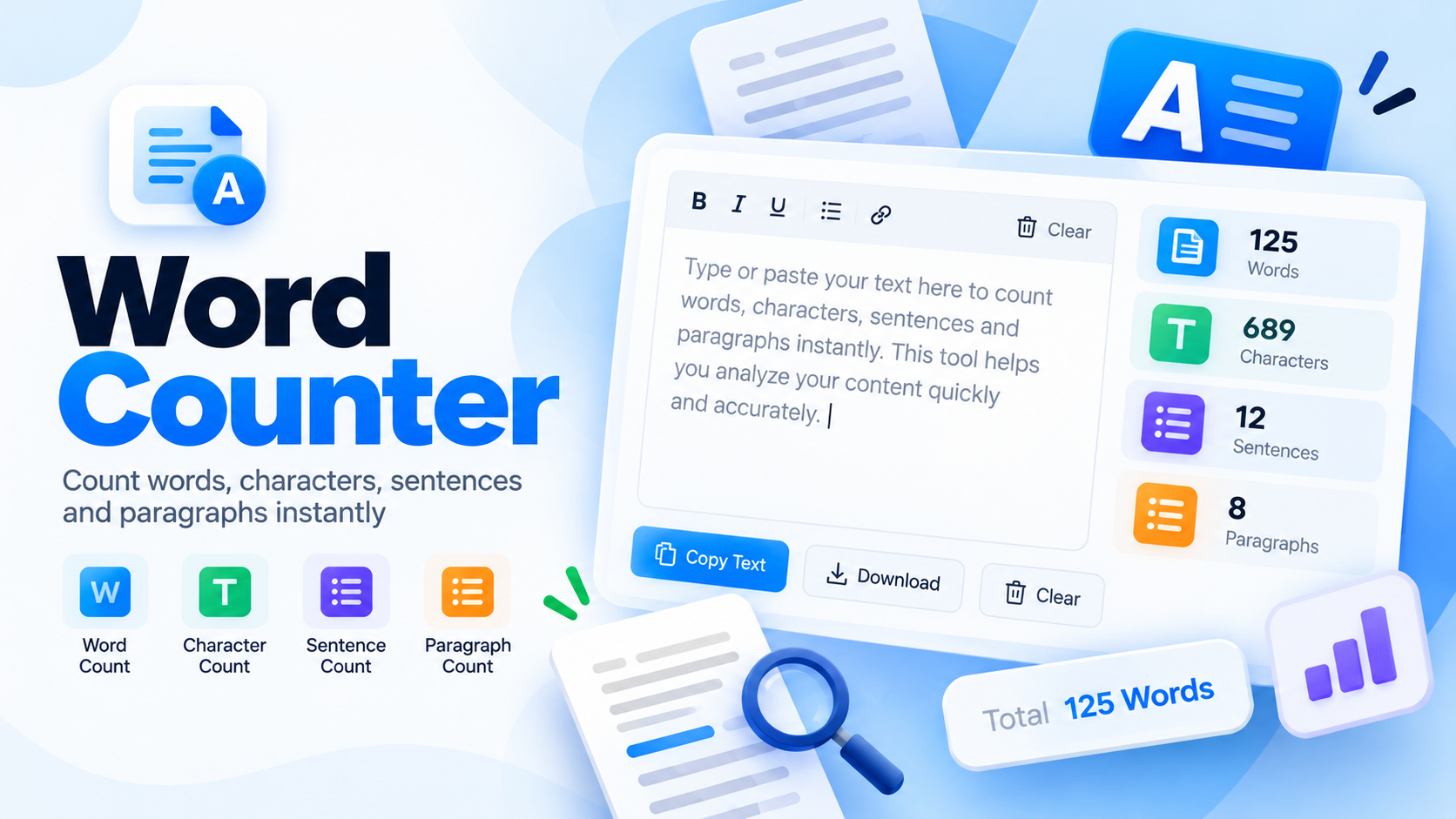
Paste or type your text to instantly count words, characters, sentences and paragraphs, estimate reading time, and spot your most-used words. Handy for writers, students, marketers and anyone working to a word limit.
Word counter tool
0Words
0Characters
0Characters (no spaces)
0Sentences
0Paragraphs
0Lines
0 secReading time
0 secSpeaking time
Most-used words
Add some text to see your most frequently used words.
The Word Counter shows live statistics as you type.
How to use the word counter
Add your text. Type directly into the box or paste content from a document, email or web page.
Read the live results. Words, characters, sentences, paragraphs and estimated reading time update as you type.
Check your top words. Review the most-used words to spot repetition. Common filler words are filtered out.
Copy or download. Use Copy results or Download report to save a summary, or Reset to start over.
Key features and benefits
Real-time counting
Results refresh instantly while you type or paste, with no button to press.
Detailed statistics
Words, characters with and without spaces, sentences, paragraphs and lines in one view.
Reading & speaking time
Estimates based on average reading and speaking speeds to help plan content length.
Word frequency
See which words you use most so you can vary your wording.
Copy & download
Export a plain-text summary of your results in one click.
Private by design
Processing happens locally in your browser, with no sign-up needed.
Practical use cases and examples
Students and academics
Check an essay against a minimum or maximum word count before submitting. Example: a 1,500-word assignment draft.
Bloggers and content writers
Keep articles within a target length and monitor repeated terms across a draft.
Social media and meta text
Check character counts for posts, bios, titles and descriptions that have length guidelines.
Speeches and presentations
Estimate speaking time for a script so it fits the time slot you've been given.
Privacy, security and limitations
Local processing. Your text is analyzed in your browser. This tool does not send it to a server or store it.
No account required. There is nothing to sign up for and no text is saved after you close or reload the page.
Counting rules vary. Different apps may count hyphenated words, numbers or symbols differently, so totals can differ slightly from other software.
Language support. Words are split on spaces, so languages written without spaces (such as Chinese or Japanese) will not get an accurate word count. Character counts remain reliable.
Estimates only. Reading and speaking times are averages and not exact for every reader or speaker.
Frequently asked questions
How does the word counter count words?
It treats any group of non-space characters separated by whitespace as one word. Hyphenated terms and contractions count as a single word.
Is my text uploaded or stored?
No. All counting happens locally in your browser. Your text is never sent to a server by this tool.
How is reading time calculated?
Reading time assumes about 238 words per minute and speaking time about 130 words per minute. These are common averages, so your actual pace may differ.
Is there a text length limit?
There is no fixed limit, but very large texts may slow down older devices because processing happens in your browser.