
Three templates
Classic, Modern and Compact. Each uses the same content with a different layout, so switching is instant.
Build a professional resume in minutes. Fill in your details, choose from three polished templates, reorder sections, add your own custom sections, and export to PDF. No sign-up, no uploads, no watermark.
Private by design. Everything you enter stays in your browser. The PDF is generated locally. Drafts are only saved to your browser's storage if you explicitly allow it below.
Need another section? Add a custom one — for certifications, languages, volunteering, awards or anything else.
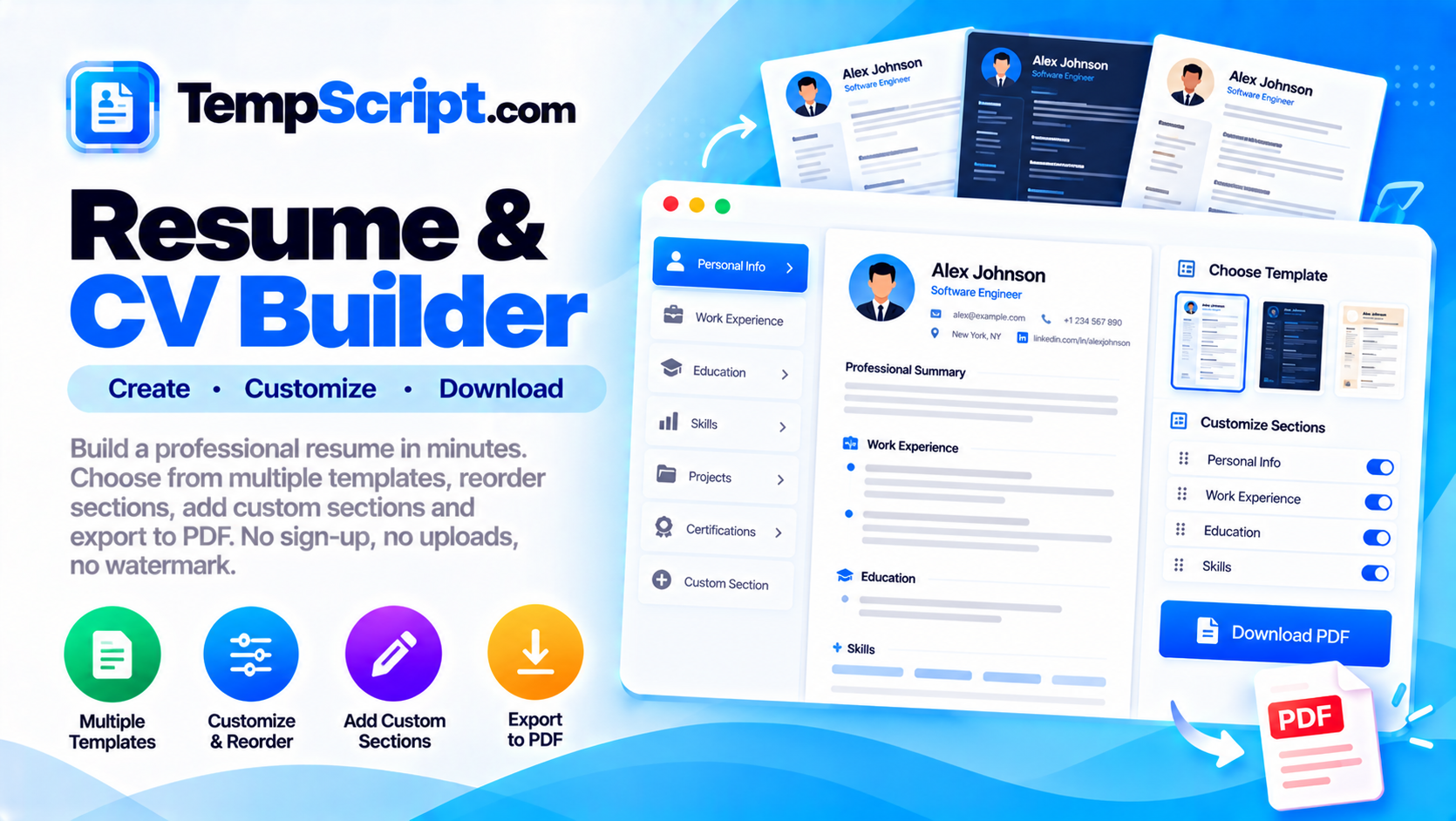
Classic, Modern and Compact. Each uses the same content with a different layout, so switching is instant.
The document on the right updates as you type, so you always know what the exported PDF will look like.
Drag section headers to move Education, Experience, Skills or Projects up and down.
Add unlimited sections of your own — certifications, languages, awards, volunteer work or anything else.
Export a clean, print-ready PDF with no watermark, using your browser's built-in print engine.
Everything stays in your browser. Drafts are saved only if you explicitly allow it, and can be cleared at any time.
A resume has one job: to convince a stranger that you are worth talking to. That stranger is often a recruiter who spends a few seconds on the first pass, and sometimes an automated system that scans for keywords before a human ever sees it. A good resume is therefore short, specific, and easy to scan — and the format matters as much as the content.
Studies of eye-tracking show that recruiters tend to scan a resume in a specific order: name and current title, then the most recent job, then any standout achievements, then education and skills. That is why the "Experience first" layout is the most common. If you are a recent graduate or switching careers, putting Education or Skills first can be a better choice — and this tool lets you reorder sections so the most relevant one comes first.
The professional summary at the top is your first real chance to make an impression. Two or three sentences are enough. A good pattern is: what you do, what you are best at, and what you are looking for. Avoid adjectives like "passionate" and "dynamic" that do not carry information. Replace them with specific facts.
Each role should have a title, company, dates, and two to four bullet points that describe what you did and, more importantly, what happened as a result. Action verbs help — "led", "shipped", "reduced", "grew". Numbers help more. "Reduced page load time by 40%" is a stronger sentence than "improved performance". If you cannot attach a number, describe the scope: the size of the team, the number of users, the complexity of the system.
This resume builder is part of the TempScript free online tools collection. It runs entirely in your browser, requires no account, and never sends your data anywhere.
© 2026 TempScript. All rights reserved.