
Visual page thumbnails
Every page is rendered as a live thumbnail using PDF.js, so you always see exactly what you are working with.
Upload a PDF, then reorder, rotate, delete or extract pages with a visual thumbnail grid. When you are happy with the layout, download the result as a new PDF. Everything runs locally in your browser — no uploads, no sign-up, no watermark.
Private by design. PDFs are read and rewritten entirely in your browser using PDF.js and pdf-lib. Your files are never uploaded, stored, or logged on any server.
or click to browse your device
Maximum size depends on your browser's memory. Files up to ~50 MB usually work well.
Reading pages and generating thumbnails. This may take a moment for large files.
The file may be corrupted, password-protected or not a PDF at all.
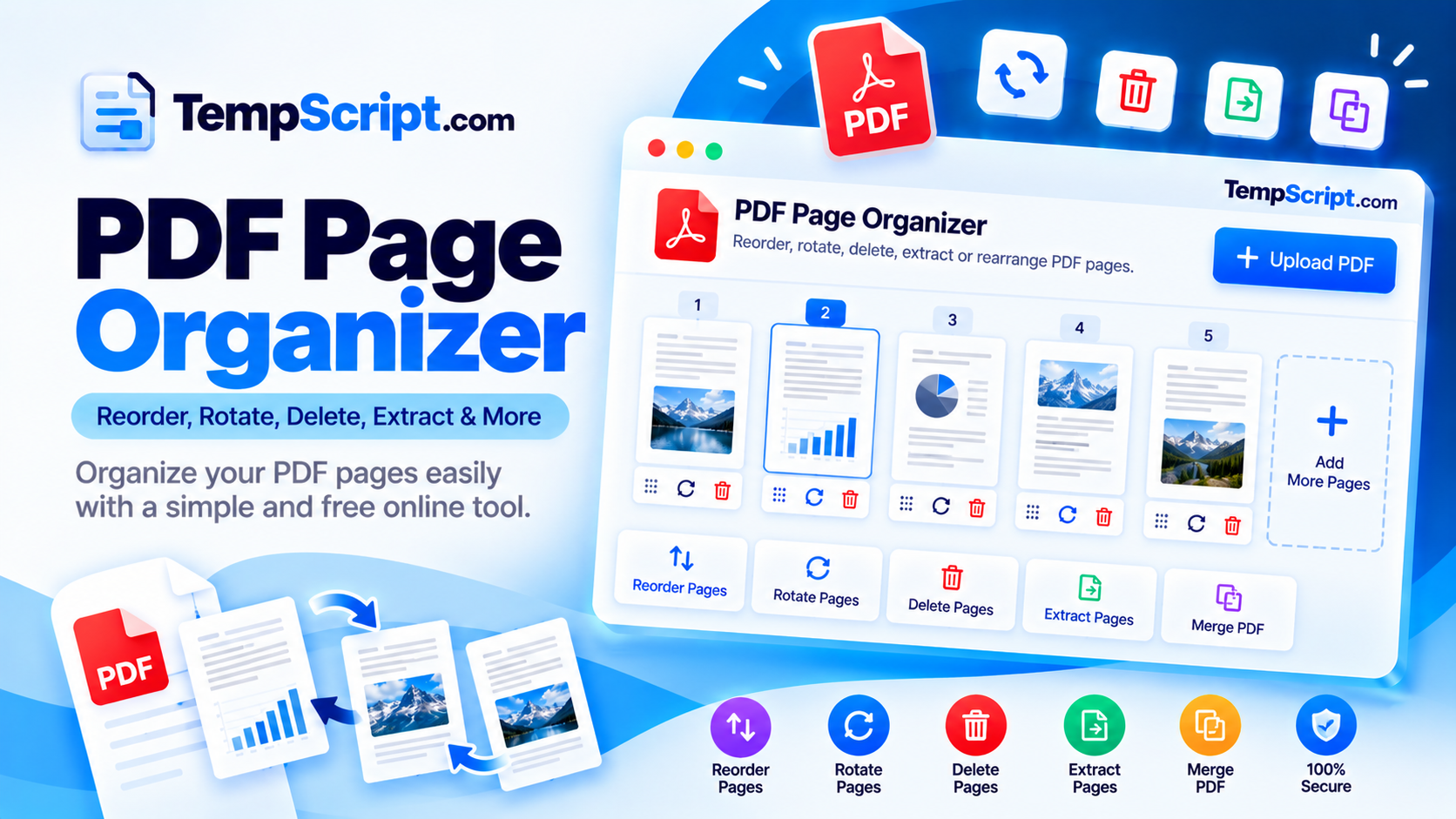
Every page is rendered as a live thumbnail using PDF.js, so you always see exactly what you are working with.
Pick up any page and drop it into a new position. The grid reflows as you go, and nothing is committed until you download.
Rotate individual pages or an entire selection by 90° increments. Rotation is applied without re-encoding, so quality is preserved.
Remove pages you no longer need, or extract a subset into a separate PDF — perfect for splitting a report into chapters.
All processing happens in your browser. Files are read from disk, held in memory, and written back as a download. Nothing is uploaded.
Thumbnail grid adapts from a single column on small phones to a wide grid on desktop screens.
PDFs are the universal format for sharing documents, but they are rarely produced in the exact order you need. A report might come back with the appendix first, a scanned bundle might have pages out of sequence, or a slide deck might need a last-minute reorder before a meeting. A dedicated PDF page organizer lets you fix the layout visually and produce a new file without touching a heavyweight desktop editor.
Desktop tools are powerful but heavyweight, and online services often upload your file to a server. A browser-based tool that processes files locally combines the best of both worlds: the convenience of a website with the privacy of a desktop application. Modern browsers expose the same PDF rendering and writing capabilities that desktop tools use, and libraries like PDF.js and pdf-lib make them accessible from plain JavaScript.
This PDF page organizer is part of the TempScript free online tools collection. It runs entirely in your browser, requires no account, and never sends your files anywhere. If you work with documents and images regularly, you may also find our social media image resizer and Base64 encoder and decoder useful for preparing assets.
© 2026 TempScript. All rights reserved.