Image Background Remover – Free Online | TempScript
AI runs in your browser • Images never leave your device

Image Background Remover

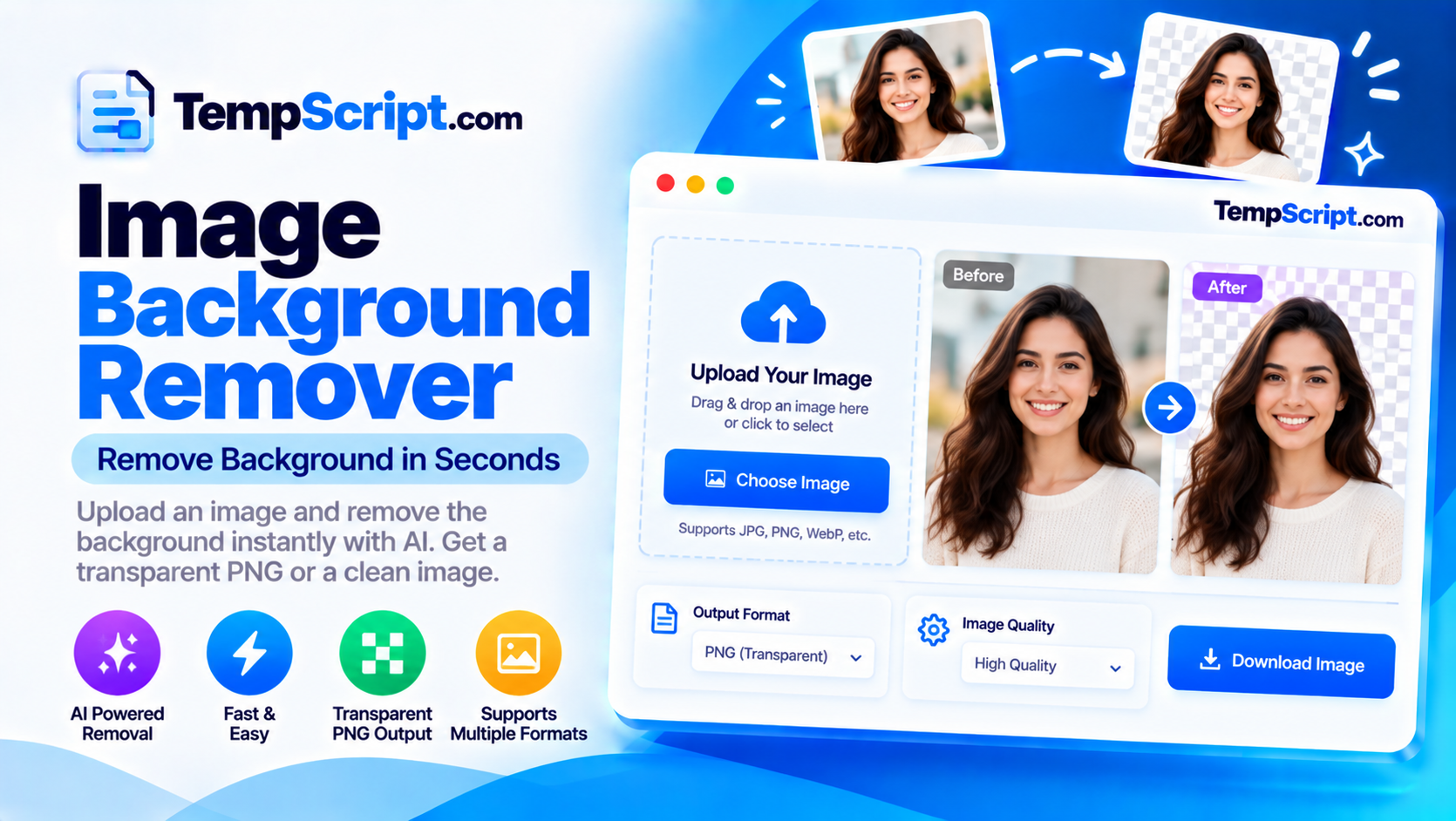
Remove the background from a photo with an AI model that runs entirely in your browser. No uploads, no server, no API key. Adjust the edges, replace the background colour, and download a transparent PNG. The first run downloads the model (~40 MB); later runs load from cache instantly.

Image background remover tool

Private by design. The segmentation model runs locally via WebAssembly and ONNX Runtime Web. Your image is never uploaded, stored, or logged on any server. On first use, the model file is fetched from a CDN and cached by your browser.

Drop an image here

or click to browse — JPG, PNG and WebP are supported

Best results with portraits, products and clear subjects. Up to ~20 MB.

Image background remover with a before and after comparison slider
Remove backgrounds with an AI model that runs entirely in your browser.

How to use the background remover

  1. Upload an image. Drag a photo onto the drop zone or click Choose image. JPG, PNG and WebP are supported.
  2. Run the AI removal. Click Run AI removal. On first use, the model (~40 MB) is downloaded and cached. Subsequent runs are much faster.
  3. Compare before and after. Drag the white handle left or right to see the original and the cutout side by side.
  4. Refine and adjust. Use the edge softness and mask threshold sliders to improve difficult edges, and pick a background colour (or keep it transparent).
  5. Download the PNG. Click Download PNG to save the transparent (or coloured) result.

Key features and benefits

Real on-device AI

Uses the ISNet segmentation model through ONNX Runtime Web — the same technology used by professional tools, running entirely in your browser.

Before / after slider

Drag the handle to compare the original image and the cutout side by side, without leaving the page.

Background replacement

Keep transparency or replace the background with white, black, blue, or any custom colour you choose.

Edge refinement

Adjust edge softness and mask threshold to smooth rough cutouts around hair, fur and semi-transparent objects.

Fully private

The AI model runs locally. Your image is never uploaded, stored, or logged anywhere.

Fast after first run

The model is cached by your browser after the first download, so subsequent runs are instant on the same device.

Privacy, model download and limitations

  • Fully client-side. The segmentation model runs in your browser using WebAssembly via ONNX Runtime Web. Your image is never uploaded, stored, or logged anywhere.
  • First run downloads the model. On first use, a segmentation model (~40 MB) is fetched from a CDN and cached by your browser. Subsequent runs load the model from cache in a fraction of a second. This is the trade-off for running AI without a server.
  • Processing time. On a modern laptop, inference takes around 2–5 seconds. On a phone, expect 8–15 seconds. This is normal for on-device AI.
  • Not perfect on every image. The model does well on portraits, products and clear subjects. Hair, fur, glass, semi-transparent objects and low-contrast photos may need manual touch-up with the edge refinement controls.
  • No automatic saving. Your image is held in memory only. Reloading the page clears everything.
  • Model licensing. The default ISNet model is provided under a non-commercial license by its authors. For commercial projects, replace the model with one that permits commercial use, or contact the authors.
  • Large images. Very large images may be slow or run out of memory on low-end devices. For the best experience, use images under about 4000 × 4000 pixels.

Frequently asked questions

Are my images uploaded to a server?
No. The AI model runs entirely in your browser using WebAssembly. Your image never leaves your device and is not uploaded, stored, or logged anywhere.
Why does the first run take longer?
On first use, the segmentation model (about 40 MB) is downloaded from a CDN and cached in your browser. Subsequent runs load the model from the cache instantly.
What image quality should I expect?
The model produces good results on most photos, especially portraits and products with clear subjects. Hair, fur, and semi-transparent objects like glass may need manual touch-up, which is why this tool includes an edge refinement slider.
Can I use the output commercially?
The AI model used here is licensed for non-commercial use by default. For commercial projects, you should replace it with a model that permits commercial use, or contact the model authors.
Does it work on mobile?
Yes, but processing is slower on phones because everything runs locally. Very large images may also run out of memory on low-end devices.
Why does the background sometimes look rough?
The AI model is not perfect. Complex edges, similar colours between subject and background, and low-contrast photos are common causes of imperfect cutouts. You can improve results with the edge refinement and background colour controls.

A practical guide to AI background removal

Removing the background from a photo used to require either a careful manual selection in an image editor or a paid cloud service that uploaded your file to a server. In the last few years, that changed. Segmentation models small enough to run in a web browser now produce results that were the exclusive domain of desktop software just a few years ago. This tool uses one of those models, running entirely on your device.

How on-device segmentation works

A segmentation model takes an image as input and outputs a mask — a per-pixel map indicating how likely each pixel is to belong to the foreground. The model used here is a variant of ISNet, an image segmentation network that has been exported to the ONNX format and quantised to reduce its size. The browser runs it through ONNX Runtime Web, a WebAssembly build of the same runtime used by many production machine learning systems.

The first time you use the tool, the model file (about 40 MB) is downloaded and cached. Subsequent runs load it from cache, so they start almost instantly. There is no server round-trip on any future use.

What the model does well, and what it does not

On-device models have improved dramatically, but they are not perfect. They tend to work best on:

  • Portraits and people. The model has been trained on many examples of human subjects and handles hair reasonably well.
  • Products with clear edges. Objects like bottles, shoes, and packaged goods with distinct boundaries are usually cut out cleanly.
  • High-contrast backgrounds. When the subject and background are visually distinct, the mask is more reliable.

They struggle with:

  • Hair and fur. Fine strands are difficult because they occupy sub-pixel widths. The result is often a slightly jagged or overly-soft edge.
  • Semi-transparent objects. Glass, smoke, and water have no clear foreground/background boundary, so the model has to guess.
  • Low-contrast photos. If the subject and background are similar in colour or brightness, the mask can bleed.
  • Busy, textured backgrounds. Dense patterns behind the subject can confuse the model.

Improving the result with edge refinement

The raw output of the model is a starting point, not a finished cutout. This tool exposes two sliders that let you tune the result. Edge softness blurs the alpha channel slightly, which hides jagged pixel edges at the cost of some sharpness. Mask threshold shifts the decision boundary: a lower value keeps more of the subject and may include some background; a higher value removes more background and may eat into the subject. The right values depend on the image, so experiment until the edge looks clean.

Compositing and output

The final step is compositing. The mask becomes the alpha channel of the output. Transparent areas stay transparent, and the subject is preserved. You can then choose to keep the transparency or fill the background with a solid colour for use in contexts that do not support alpha, like JPEGs destined for a specific layout. PNG is the correct output format for transparency because it is the only widely supported image format that preserves an alpha channel.

About this tool

This background remover is part of the TempScript free online tools collection. It runs entirely in your browser, requires no account, and never sends your images anywhere. If you work with images regularly, you may also find our image compressor and images to PDF converter useful.

© 2026 TempScript. All rights reserved.