
WebP conversion
Convert JPG, PNG and WebP files to modern WebP in one click, with transparency preserved where the source allows.
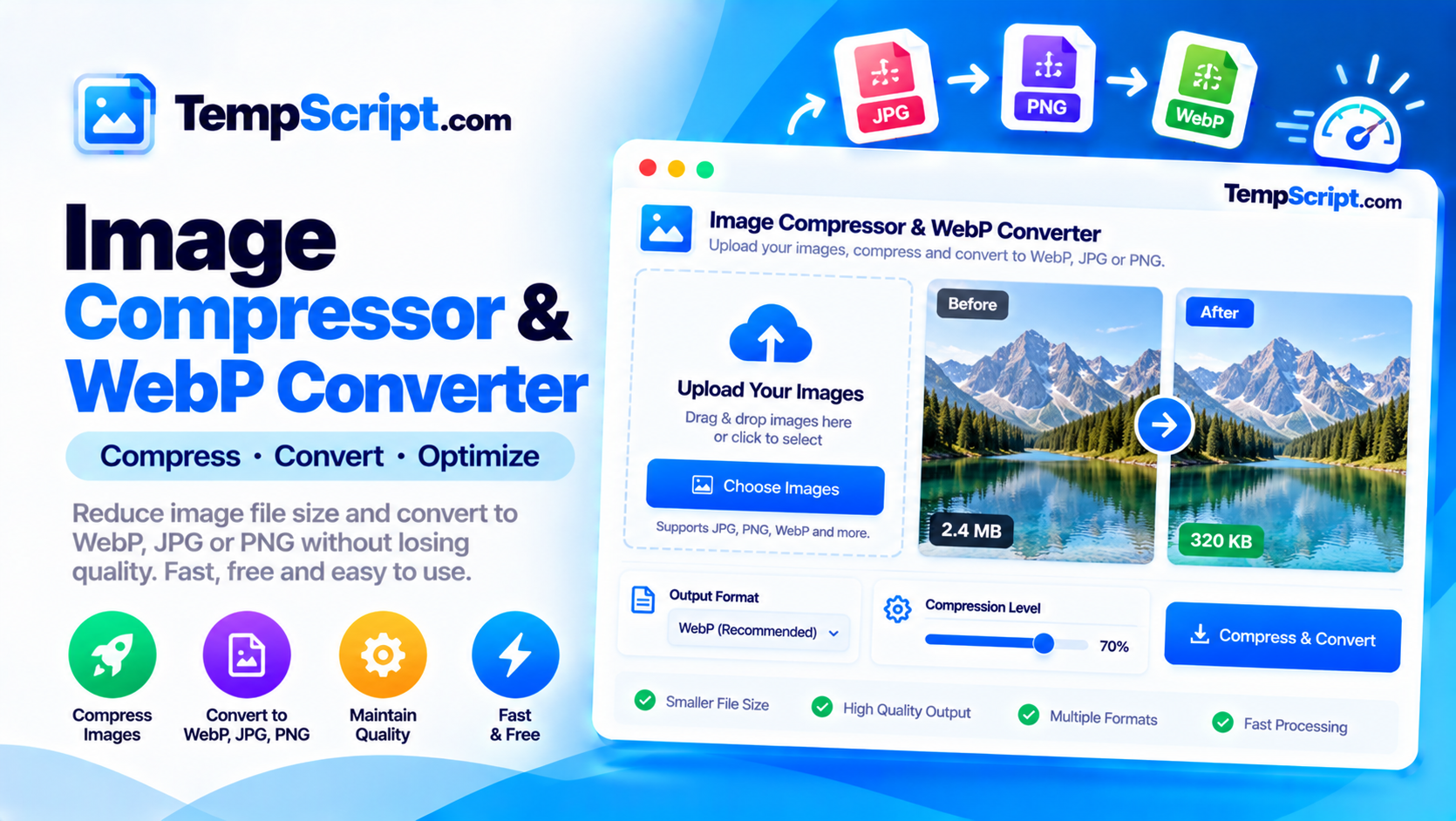
Compress JPG, PNG and WebP images, convert between formats, and see the size reduction instantly. Adjustable quality slider, transparency preservation where supported, and no uploads. Everything runs locally in your browser.
Private by design. Images are read from your device and processed entirely in the browser using the HTML5 Canvas API. Nothing is uploaded, stored, or logged on any server.
or click to browse — you can select multiple files at once
JPG, PNG, WebP and GIF — up to ~25 MB per file recommended
Convert JPG, PNG and WebP files to modern WebP in one click, with transparency preserved where the source allows.
Fine-tune compression strength with a smooth slider. Preview the result instantly and see the size change before downloading.
Load multiple images at once, compress them all with one click, and download every result from a single button.
See the original and compressed versions side by side with the exact file-size reduction percentage for each image.
Set a maximum size for the longest side to shrink very large images while preserving their aspect ratio.
All processing runs in your browser using the Canvas API. Images are never uploaded, stored, or logged anywhere.
canvas.toBlob(). Nothing is transmitted to any server.Images are usually the largest asset on a web page, and they are often the easiest thing to optimize. A photograph exported straight from a camera might be several megabytes; the same photograph compressed with reasonable settings can often be under 300 KB with no visible difference on screen. Getting from one to the other is what an image compressor is for.
Every kilobyte counts twice on the web: once when the file is downloaded and once when the browser decodes and renders it. Smaller images mean faster page loads, less bandwidth cost, better Core Web Vitals scores, and a better experience for users on slow connections or mobile data. A single hero image that drops from 2 MB to 300 KB can cut a page's load time by several seconds.
There are two broad approaches. Lossy compression (used by JPG and WebP) reduces file size by discarding visual details that the human eye is unlikely to notice. The trade-off is controllable through a quality setting. At 80–92 percent, most photographs look identical to the original, but the file can be 5–10 times smaller. Lossless compression (used by PNG) reduces size without changing any pixel. The savings are smaller, but the result is mathematically identical to the source — which matters for screenshots, logos and images with sharp edges or text.
WebP was developed by Google and has been supported by every major browser since 2020. It offers two important advantages. First, at the same visual quality it typically produces smaller files than JPG — often 25–35% smaller. Second, it supports transparency like PNG, so it works for logos and graphics as well as photographs. For most modern websites, WebP is the right default. The main reasons to fall back to JPG or PNG are compatibility with very old software or a specific toolchain that does not yet accept WebP.
When a browser re-encodes an image through the Canvas API, it drops EXIF metadata — camera information, timestamps, and (most importantly) GPS coordinates. This is usually a privacy win: an image that you post publicly no longer leaks where it was taken. If you need to preserve metadata, use a dedicated tool that copies it explicitly.
This image compressor is part of the TempScript free online tools collection. It runs entirely in your browser, requires no account, and never sends your images anywhere. If you work with images and documents regularly, you may also find our PDF page organizer and social media image resizer useful.
© 2026 TempScript. All rights reserved.