Open Graph Preview Generator – Meta Tag Builder | TempScript
100% browser-based • Nothing uploaded

Open Graph Preview Generator

See how your page will look when shared on Facebook, X (Twitter), LinkedIn and WhatsApp. Edit the title, description, URL and image, then copy ready-to-paste Open Graph and Twitter Card meta tags. Everything runs in your browser — no uploads, no sign-up.

Open Graph and Twitter Card preview generator

Private by design. Your title, description, URL and image are only used locally to render the previews and generate meta tags. Nothing is uploaded, stored, or logged anywhere. This tool does not fetch metadata from external URLs — you enter the values yourself.

Live social preview Facebook

Generated meta tags 0 tags

Paste these tags inside the <head> element of your HTML page, before the closing tag.
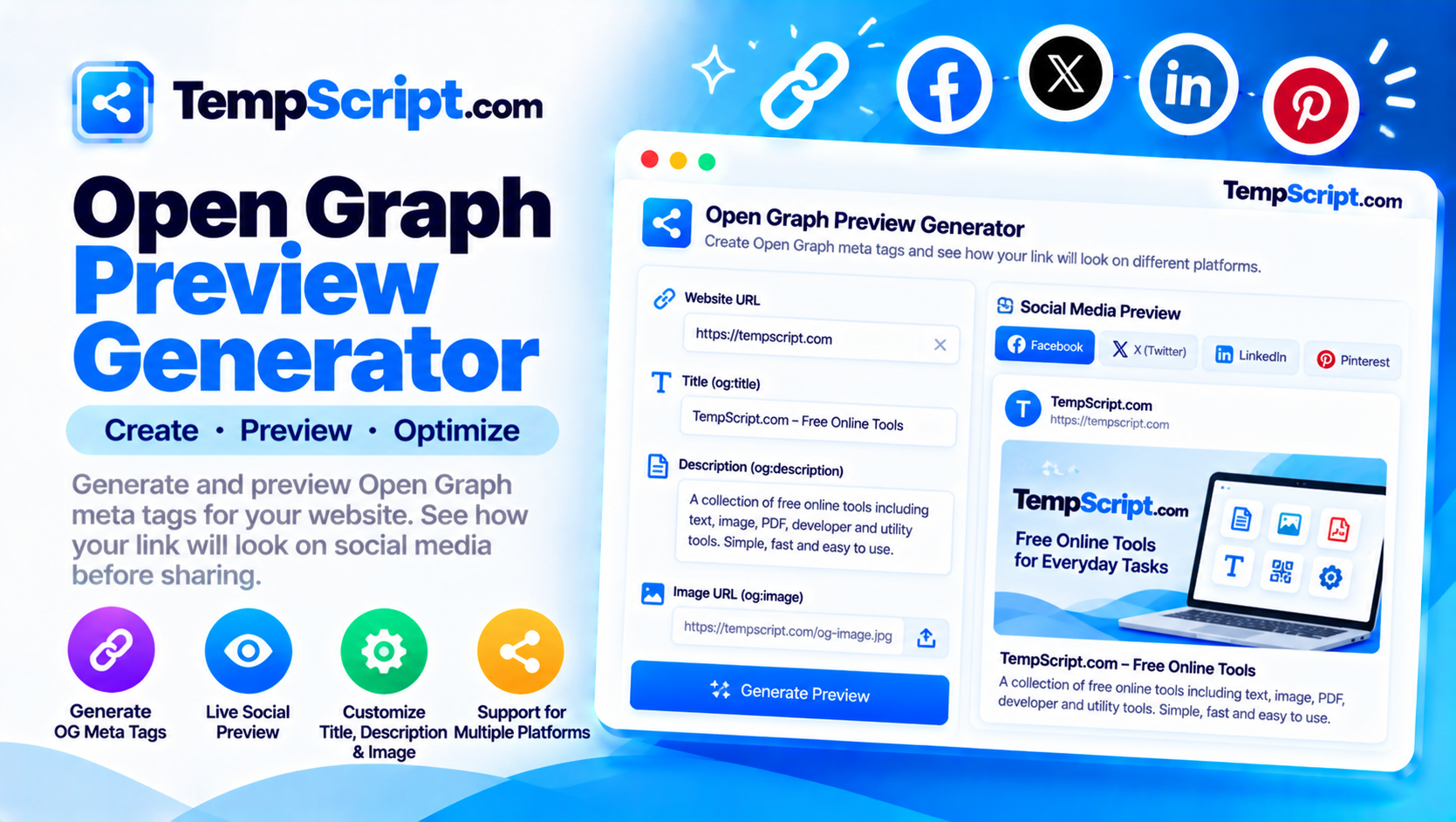
Open Graph preview generator with editable fields and social card previews
Preview your link on every major platform and copy the generated meta tags.

How to use the Open Graph preview generator

  1. Enter your page URL. This becomes og:url and is used to derive the domain shown in the previews.
  2. Write a title and description. The character counters help you stay within the recommended ranges so nothing gets cut off.
  3. Upload a preview image or paste its URL. Uploaded images are used only for local preview. Paste a public URL to include the image in the meta tags.
  4. Check each platform preview. Switch between Facebook, X (Twitter), LinkedIn and WhatsApp to see how your link will look.
  5. Copy the generated tags. Use the tab to show Open Graph, Twitter Card or both, then click Copy tags and paste them into your page's <head>.

Key features and benefits

Live previews

See how your link renders on Facebook, X (Twitter), LinkedIn and WhatsApp — all updating as you type.

Character counters

Each field shows a live count with color-coded feedback: green when in the recommended range, amber near the limit, red past it.

Image upload

Drop an image to see it in every preview. The tool also warns when the aspect ratio is far from 1.91:1.

Ready-to-paste tags

Copy Open Graph, Twitter Card or both as a single block, ready to drop into your page's head section.

Fully private

Nothing you type or upload leaves your browser. No URLs are fetched, and no images are transmitted.

Responsive layout

Form and previews stack neatly on small screens and sit side by side on desktop.

Privacy and limitations

  • Fully client-side. Everything runs in your browser. Your title, description, URL and images are used only to render previews and generate meta tags — nothing is uploaded or logged.
  • No URL fetching. This tool does not fetch metadata from external URLs. Browsers cannot do that without hitting cross-origin restrictions, and it would require a backend. You enter the values yourself.
  • No automatic saving. Values are held in memory only. Reloading the page clears everything, including uploaded images.
  • Uploaded image vs. URL. Uploaded images are used only for local preview. For the meta tags, paste a public image URL so the platforms can fetch it when someone shares your page.
  • Previews are approximations. Social platforms render cards slightly differently based on their own design, cached data and layout rules. Use these previews as a guide, not a guarantee. To confirm a public URL, use each platform's own debugger (for example Facebook's Sharing Debugger).
  • Image dimensions matter. Platforms enforce minimum and recommended sizes. The 1200 × 630 standard is a safe default. Very small images may be ignored, and very large images may be downscaled or rejected.

Frequently asked questions

What are Open Graph tags?
Open Graph tags are meta tags that tell social platforms how to display a shared link. They specify the title, description, image and other details that appear in the preview card. Facebook, LinkedIn and WhatsApp all read them.
What is the difference between Open Graph and Twitter Cards?
Open Graph tags use the og: prefix and are understood by most platforms. Twitter Cards use the twitter: prefix and control how links look on X (Twitter). Twitter falls back to Open Graph tags when its own tags are missing.
What image size should I use?
A 1200 × 630 pixel image is the standard for large summary cards. This produces a 1.91:1 aspect ratio and works well across Facebook, Twitter, LinkedIn and WhatsApp. Keep important content away from the outer edges because some platforms crop the corners.
Are my details or images uploaded to a server?
No. Everything runs in your browser. Titles, descriptions and images stay on your device and are never uploaded, stored, or logged.
Does this tool fetch metadata from a URL I paste?
No. Browsers cannot fetch metadata from another site without hitting cross-origin restrictions, and doing so would require a backend. This tool is a preview and meta-tag builder: you enter the values you want, and it shows you how they will look and produces the tags.
How do I add the meta tags to my page?
Copy the generated tags and paste them inside the <head> element of your HTML document, before the closing head tag. Most content management systems and static site generators also let you add them through their SEO settings panel.

A practical guide to Open Graph and Twitter Cards

When you paste a link into a chat or a social post, the platform immediately tries to build a preview card. The title, description and image that appear in that card come from the page's Open Graph and Twitter Card meta tags. If those tags are missing or poorly written, the platform falls back to whatever it can scrape — often the wrong heading, a truncated paragraph, or a random image. Getting them right is one of the simplest and most impactful things you can do for how a shared link looks.

The core Open Graph tags

Facebook introduced the Open Graph protocol in 2010, and it has since become the de facto standard across most platforms. The essential tags are:

  • og:title — the headline for the card. Keep it under about 70 characters so it does not truncate on mobile.
  • og:description — a short summary. Around 110–160 characters is the sweet spot; longer text will be clipped.
  • og:image — the image to display. 1200 × 630 is the standard for large cards.
  • og:url — the canonical URL of the page. Use the absolute URL, not a relative path.
  • og:type — usually website for a home or landing page, or article for a blog post.
  • og:site_name — the name of your site, shown above the title in some previews.
  • og:locale — the language and region, such as en_US.

Twitter Card tags

Twitter Cards are set with the twitter: prefix. The most important is twitter:card, which chooses the layout. The two common options are summary (a small square image beside the text) and summary_large_image (a wide image above the text). Twitter falls back to Open Graph tags for the title, description and image when its own tags are missing, so keeping both in sync is best practice.

Image best practices

Images drive a large share of the click-through on social. A few rules make them work reliably:

  • Use 1200 × 630. This is the recommended size for most large summary cards. It produces the 1.91:1 aspect ratio that platforms display by default.
  • Keep files under 1 MB. Larger images slow down the initial fetch and may be rejected by some platforms.
  • Avoid text near the edges. Some platforms crop the corners or overlay a logo, which can obscure small text.
  • Use absolute URLs. A relative path like /images/cover.jpg will not work because the crawler fetches from its own domain, not yours.

Testing and troubleshooting

Previews shown by any tool — including this one — are approximations based on how platforms typically render cards. The only way to see the real card is to share the actual URL and let the platform build it. Facebook provides a Sharing Debugger that will fetch your page and show the exact card, along with a cache-busting option to force a refresh after you update your tags. Twitter and LinkedIn offer similar tools. If your card looks wrong despite the tags being present, the usual culprits are caching, a redirect that hides the tags, or an image URL that returns a 404 when the crawler requests it.

About this tool

This Open Graph preview generator is part of the TempScript free online tools collection. It runs entirely in your browser, requires no account, and never sends your data anywhere. If you work with web content regularly, you may also find our URL encoder and decoder and JSON formatter useful.

© 2026 TempScript. All rights reserved.