Free Password Generator – Strong, Random & Secure | TempScript
Free • Runs in your browser • Nothing uploaded

Password Generator

Create strong, random passwords, passphrases and PINs in one click. Choose the length and characters, see an entropy-based strength estimate, and copy the result. Everything is generated locally in your browser using secure randomness.

Password generator tool

Generated password
Generating…
—

Estimates only. Entropy is calculated from the character pool and length, and the crack time assumes 10 billion guesses per second against a fast hash.

Character types

Advanced options

Only standard keyboard symbols are used. Letters, numbers and spaces are ignored.

Generate multiple

Uses your current settings. The list lives only in this page and disappears when you reload.
    Your options are remembered in this browser. Generated passwords never are.
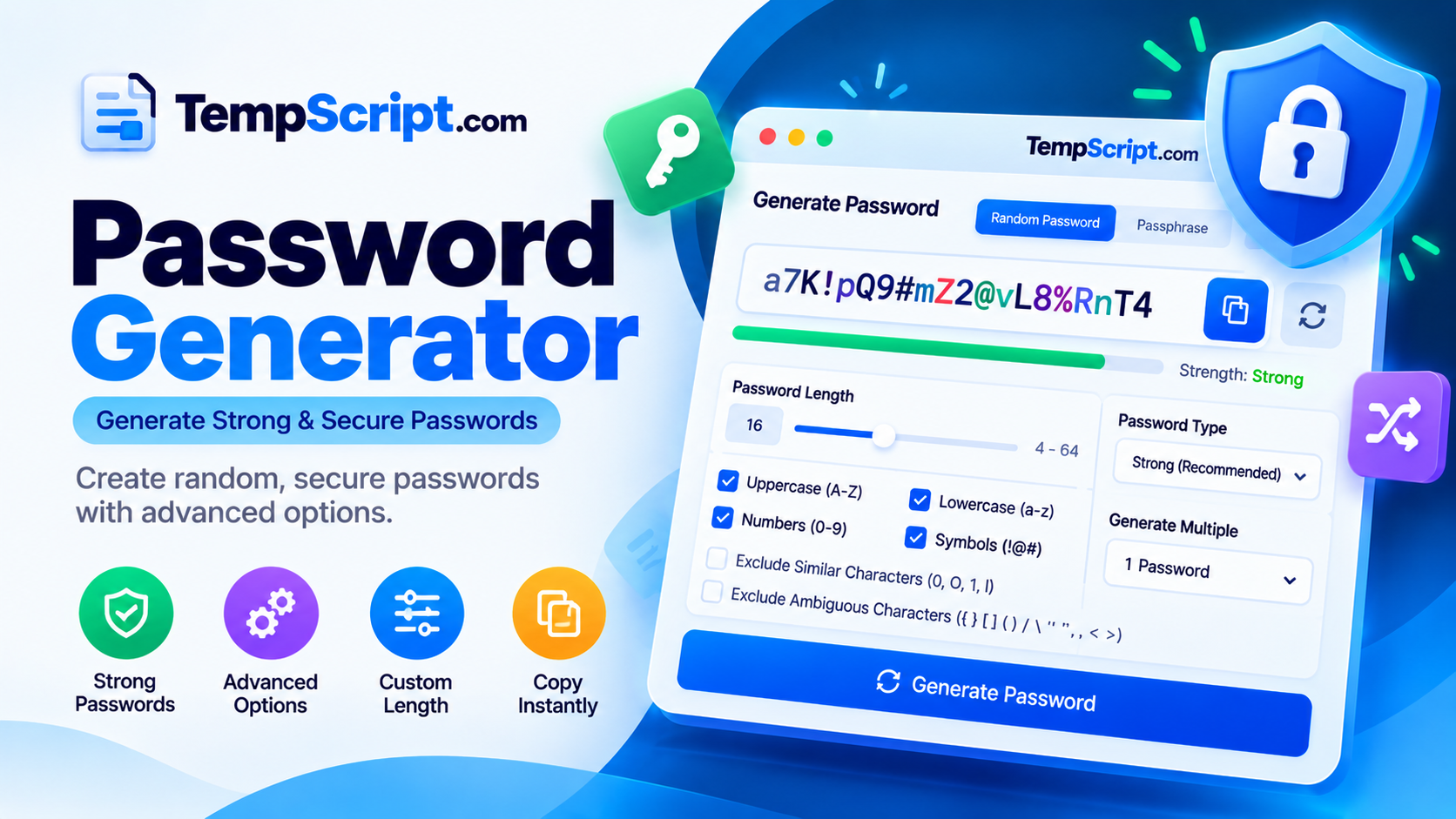
    Password generator showing a random password, a length slider and a strength meter
    Pick a length and character types, and the password and strength estimate update instantly.

    How to use the password generator

    1. Choose a type. Pick Password for a random string of characters, Passphrase for random words, or PIN for digits only.
    2. Set the length. Drag the slider or type a number. Longer is stronger, and 16 or more characters is a sensible target for important accounts.
    3. Pick your characters. Turn uppercase, lowercase, numbers and symbols on or off. Open Advanced options to exclude look-alike characters, avoid repeats or use your own symbols.
    4. Check the strength. The meter shows an entropy estimate, a strength label and an illustrative crack time that update with every change.
    5. Copy and save it. Select Copy and store the password in a password manager. Use Regenerate for a new one, or Generate list to make several at once.

    Key features and benefits

    Secure randomness

    Uses the browser's crypto.getRandomValues with unbiased selection, never Math.random.

    Password, passphrase and PIN

    Three generator types in one tool, each with its own options and strength estimate.

    Live strength meter

    See entropy in bits, a strength label and an illustrative crack time as you change settings.

    Fine-grained rules

    Exclude look-alike characters, skip repeats, start with a letter, or use a custom symbol set.

    Bulk generation

    Create up to 20 at once, then copy them all or download a text file.

    Private by design

    No account and no upload. Only your option choices are remembered, never the passwords.

    Practical use cases and examples

    New account sign-ups

    Create a unique password for each new service so one breach cannot unlock your other accounts. Example: 20 characters with all four types.

    Replacing a reused password

    Swap out an old or repeated password with a fresh random one, then save it in your password manager.

    Wi-Fi and shared access

    Generate a long passphrase for a home or guest network that is easy to read out loud. Example: 5 words with hyphens.

    Test accounts and development

    Developers and testers can quickly create throwaway credentials for staging environments. Do not use this for production secrets that a secrets manager should create.

    Privacy, security and limitations

    • Generated on your device. Passwords are created in your browser. This tool does not send them to a server. The page does load its font and icon files from Google Fonts and the cdnjs CDN, and those requests do not include your passwords.
    • Cryptographic randomness. Characters are picked with the Web Crypto API (crypto.getRandomValues). Out-of-range values are rejected so no character is favored. If your browser lacks this API, the tool stops instead of falling back to weaker randomness.
    • What is saved. Only your option choices (length, character types and similar) are stored in your browser's local storage, and you can reset them any time. Generated passwords are kept in memory only and vanish when you reload or close the page.
    • Clipboard and downloads. Copied text can be read by other apps or clipboard managers on your device, and a downloaded .txt file stores passwords as plain text. Paste into a password manager promptly and delete downloaded files after use.
    • Your device matters. Malware, a compromised browser or a rogue extension could see what is on your screen. Use a device and browser you trust, and avoid shared computers.
    • Limitations. Strength figures are estimates, not guarantees. They do not account for how a site stores your password, phishing, or reuse. Some sites restrict length or symbols, and the passphrase word list is modest in size, so use more words if you rely on it.

    Frequently asked questions

    Is this password generator safe to use?
    Passwords are generated in your browser using the Web Crypto API, and this tool does not send them anywhere. You should still use a device and browser you trust, because malware or a rogue browser extension could read what is on your screen.
    How are the passwords made random?
    The generator uses crypto.getRandomValues, the browser's cryptographically secure random number source. It avoids modulo bias by rejecting out-of-range values, so every allowed character has an equal chance of being picked.
    How long should a password be?
    For important accounts, 16 characters or more is a sensible target, and longer is better where a site allows it. Length usually adds more protection than complexity rules.
    How is password strength calculated?
    Strength is estimated from entropy, which depends on the number of possible characters and the length. Each extra bit of entropy doubles the guesses an attacker needs. The crack-time figure is illustrative and assumes 10 billion guesses per second against a fast hash, so real results vary.
    Should I use a password or a passphrase?
    Use a random password when a password manager will remember it for you. Use a passphrase of randomly chosen words when you need to type or memorize it. Passphrases need more words to match a long password, and the strength meter shows how many bits you get.
    Does the tool save my passwords?
    No. Generated passwords exist only in the page's memory and disappear when you reload or close it. Only your option choices, such as length and character types, are saved in your browser's local storage, and you can reset them at any time.
    Why does a website reject my generated password?
    Some sites limit length or block certain symbols. Try turning off symbols or entering a custom symbol set under Advanced options, and adjust the length to match the site's rules.
    Do I still need a password manager?
    A password manager is the easiest way to keep a unique, random password for every account without remembering them. Pair it with two-factor authentication or passkeys where a site supports them.

    Password generator guide: how to create strong, random passwords

    A good password is the first line of defense for your email, bank, social media and work accounts. This guide explains what makes a password strong, why a random password generator beats a password you make up yourself, and how to use the tool above to create secure passwords you can actually manage.

    What makes a password strong?

    A strong password has three qualities: it is long, it is unpredictable, and it is unique to a single account. Length and unpredictability make it hard to guess. Uniqueness limits the damage if a website you use is ever breached, because attackers commonly try leaked passwords on other services, a technique known as credential stuffing.

    Why use a random password generator?

    People are not good at being random. We lean on names, dates, keyboard patterns and predictable swaps like “a” for “@”, and attackers build their guessing tools around exactly those habits. A password generator removes the human pattern. When it uses a cryptographically secure source of randomness, such as the one built into modern browsers, each character is chosen without bias and the result has no meaning that can be guessed.

    Password length vs. complexity

    Every extra character multiplies the number of possible passwords. Security people measure this as entropy, counted in bits: each added bit doubles the number of guesses an attacker would need. Adding length usually increases entropy faster than adding another character type, which is why a long password made of random letters can beat a short one stuffed with symbols. For important accounts, 16 characters or more is a practical target, and the strength meter on this page lets you see the effect of each change.

    Current guidance, including the NIST digital identity guidelines, favors long passwords and checking against known-breached passwords over arbitrary complexity rules. Still, many sites ask for a mix of character types, so the generator lets you include or exclude each one.

    Passphrases vs. random passwords

    A passphrase strings together randomly chosen words, such as four or more unrelated words joined by separators. It is easier to type and remember than a string of random characters, which makes it a good fit for a password manager's master password, a device login or a Wi-Fi key. The words must be picked at random. A favorite quote, a song lyric or a phrase you invented will be far easier to guess. Because each word adds a limited amount of entropy, passphrases generally need more words than you might expect, so check the bits shown in the meter.

    How to store and use your passwords safely

    • Use a password manager. It stores a unique random password for each account so you only need to remember one strong master password.
    • Turn on two-factor authentication. A second step, or a passkey where available, protects the account even if the password leaks.
    • Avoid insecure storage. Do not keep passwords in plain text files, notes apps, spreadsheets or emails to yourself.
    • Never share them in chat. If you must share access, use a feature built for sharing in your password manager.
    • Watch for phishing. A strong password does not help if you type it into a fake login page, so check the address before signing in.

    Common password mistakes to avoid

    • Reusing the same password on more than one account.
    • Building passwords from personal details such as names, birthdays or pet names.
    • Making small changes to an old password, such as adding a number at the end.
    • Relying on simple substitutions like “P@ssw0rd”, which attackers already expect.
    • Choosing a short PIN or password because it is easier to type on a phone.

    When should you change a password?

    Current guidance generally favors changing a password when there is a reason to, such as a data breach, a suspicious login or sharing it with someone who no longer needs access, rather than on a fixed schedule. If a service tells you your details were exposed, replace that password straight away and replace it anywhere else you used it.

    Using this password generator

    Choose a type, set the length, adjust the character options and copy the result. Use the advanced options when a website has unusual rules, such as no symbols or a required first letter, and the bulk generator when you need several at once. Because everything runs in your browser, you can create as many passwords as you like without signing up for anything. Save each one in your password manager right away and use it for one account only.

    © 2026 TempScript. All rights reserved.