
AES-256 encryption
Locked PDFs use AES-256, the current industry standard, so they open in every modern PDF reader.
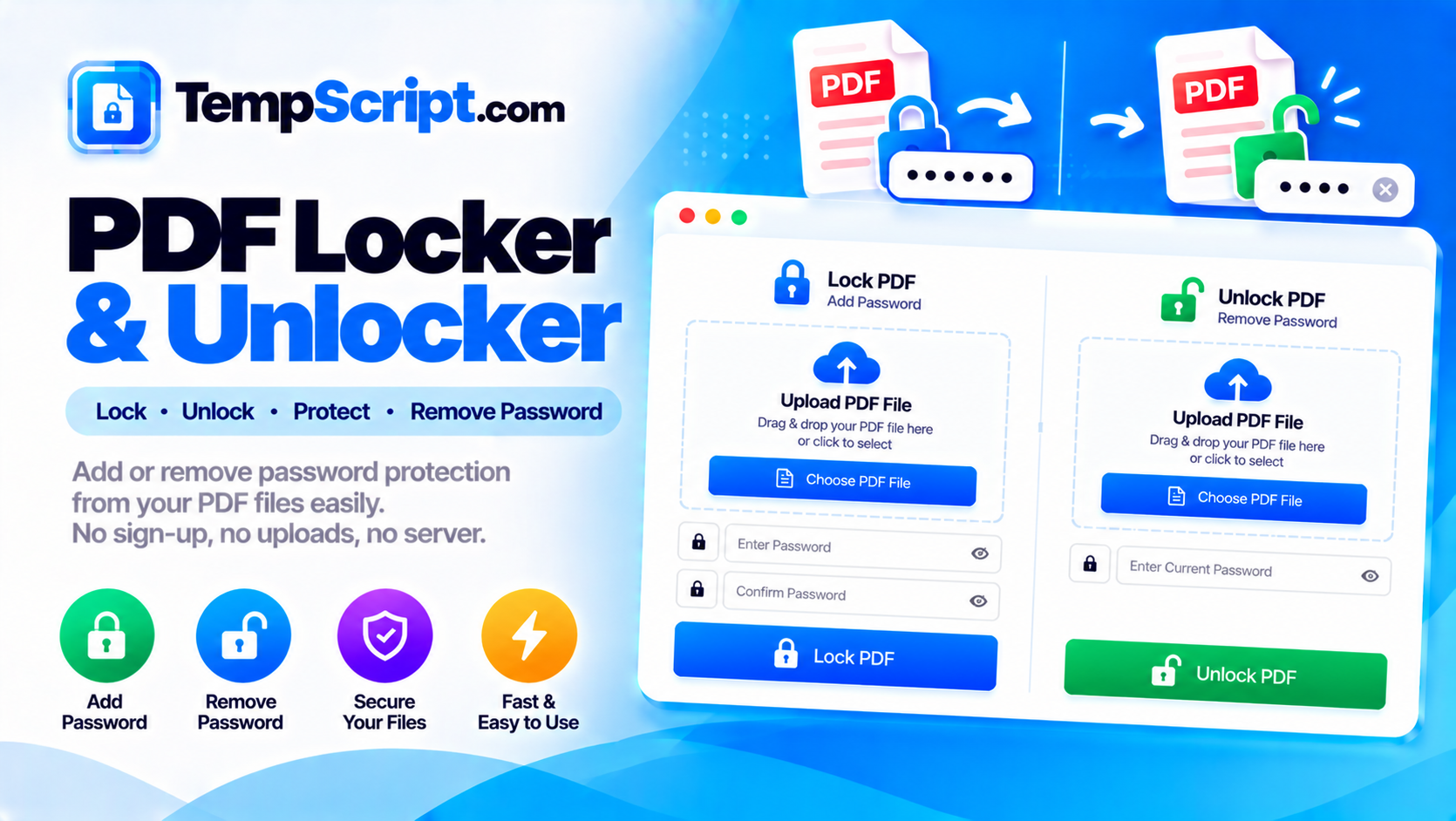
Add password protection to PDF files or remove passwords from files you own. Locking uses AES-256 encryption. Unlocking requires the correct password — this tool cannot crack or bypass protection. All processing happens locally in your browser.
Private by design. PDFs are read, encrypted or decrypted, and rewritten entirely in your browser using pdf-lib and a WebAssembly encryption library. Your files and passwords are never uploaded, stored, or logged.
or click to browse — one file at a time
Encrypted PDFs can be unlocked with the correct password. Up to ~50 MB.
The owner password grants full access regardless of the restrictions set below.
Your file is ready.
Locked PDFs use AES-256, the current industry standard, so they open in every modern PDF reader.
Unlock PDFs you own when you have the correct password, producing a new unprotected file.
Choose whether recipients can print, copy text, or edit the document after unlocking it with the password.
Files and passwords are processed locally in your browser. Nothing is uploaded, stored, or logged anywhere.
Toggle visibility on every password field to check what you have typed before processing.
Works comfortably on phones and tablets as well as desktop screens.
PDF is the standard format for sharing documents that need to look the same everywhere. But its flexibility also makes it easy to accidentally share files you meant to keep private. Password protection gives you a simple way to control who can open a document, and permission settings give you finer control over what they can do with it once they have.
The PDF specification defines two distinct passwords. The user password (sometimes called the open password) is required to open the document at all. Without it, a PDF reader will refuse to display the content. The owner password (sometimes called the permissions password) does not prevent opening the file. Instead, it controls what actions are allowed — printing, copying text, editing content, and filling in forms. A document can have a user password, an owner password, both, or neither.
This tool exposes both. When you lock a PDF, the password you enter is the user password. If you leave the owner password blank, it defaults to the same value. If you enter a separate owner password, it grants full access regardless of the restrictions.
PDF encryption does not scramble the visual appearance of the pages. Instead, it encrypts the streams of data that make up the document — the text, images, and other content. A reader that has the correct password can decrypt those streams and display the document. A reader that does not have the password sees only the encrypted data and cannot render anything. Modern PDF readers use AES-256 for this, which is the same standard used for secure web connections and encrypted drives.
A common misconception is that "unlocking" means bypassing the password. It does not. Unlocking means using the password to decrypt the file and then saving a new copy without encryption. If you do not know the password, there is no legitimate way to unlock the file — the encryption is designed to prevent exactly that. Tools that claim to "crack" PDF passwords are usually either guessing weak passwords or doing something else entirely. If you own the file but have forgotten the password, the only reliable option is to recreate it from the original source.
This PDF locker and unlocker is part of the TempScript free online tools collection. It runs entirely in your browser, requires no account, and never sends your files anywhere. If you work with PDFs regularly, you may also find our PDF merger and PDF compressor useful.
© 2026 TempScript. All rights reserved.