
Multiple files
Combine up to 30 PDFs at once. Each file contributes its pages in the order shown on screen.
Combine multiple PDF files into a single document, right in your browser. Drag to reorder the files, see a thumbnail of the first page of each, and download the merged PDF. No uploads, no sign-up, no watermark.
Private by design. PDFs are read and combined entirely in your browser using pdf-lib and PDF.js. Your files are never uploaded, stored, or logged on any server.
or click to browse — you can select multiple files at once
Up to 30 PDFs, ~100 MB total. Encrypted files are not supported.
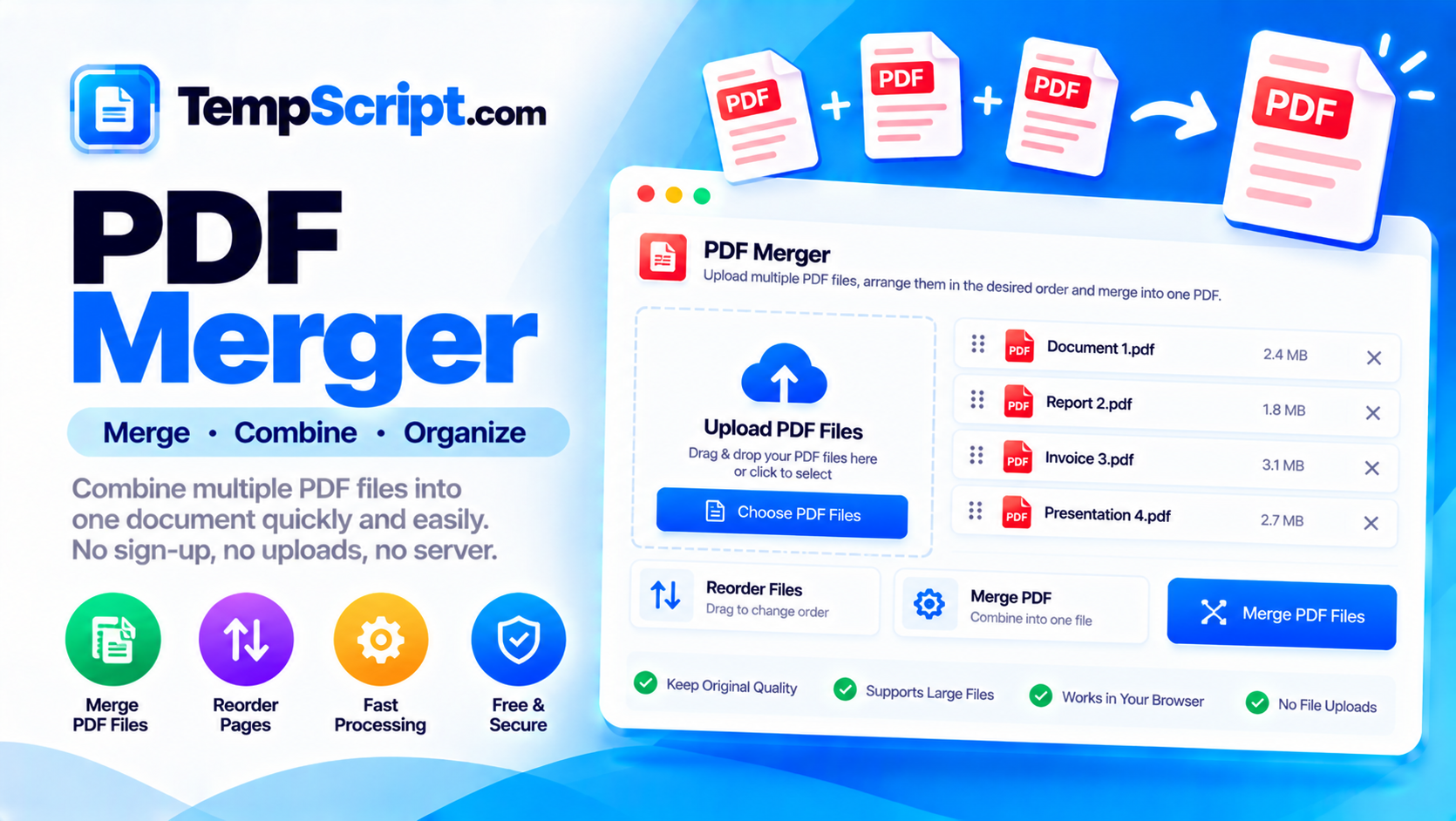
Combine up to 30 PDFs at once. Each file contributes its pages in the order shown on screen.
Pick up any file card and drop it into a new position. Up/down buttons on each card support keyboard use as well.
A thumbnail of the first page of every PDF lets you confirm you have the right files before merging.
A progress bar shows which file is being processed so you always know what is happening.
Files are read from disk, combined with pdf-lib, and written back as a download. Nothing is uploaded anywhere.
The files grid adapts from a single column on small screens to a wide multi-column grid on desktop.
PDF is the standard format for sharing documents that need to look the same everywhere. Its strength is that it captures layout, fonts and images exactly, which makes it ideal for contracts, invoices, reports, scans and forms. That same rigidity is why combining several PDFs into one is such a common task: you might need to attach a signed page to a report, join a series of invoices into a single statement, or assemble a submission from multiple scanned chapters.
There are two common ways to merge PDFs. Desktop software is powerful but heavy, and it often requires installing an application. Online services are convenient but typically upload your files to a remote server, which is a problem for anything confidential. A browser-based merger that runs entirely on the client gives you the convenience of a website with the privacy of a desktop application. Modern browsers expose all the necessary APIs, and JavaScript libraries like pdf-lib can read and write PDFs without sending a byte anywhere.
Technically, merging PDFs means copying pages from one or more source documents into a new document in a specific order. Each source PDF has its own internal structure — fonts, images and other resources that are shared across its pages. A good merger copies those resources along with the pages, so no quality is lost. A poor merger re-renders each page as an image, which produces a much larger file and removes all text selectability. The tool on this page uses pdf-lib's page-copying API, which preserves the original content streams.
The order of the files in the list becomes the order of the pages in the merged PDF. This matters more than it first appears: a signed contract needs the signature page at the end, not the beginning; a report needs its cover first; a series of invoices should follow chronological order. The drag-and-drop interface here lets you rearrange freely, and the up and down arrows on each card give you a keyboard-accessible alternative. Sorting by filename is a fast way to align with alphabetical order when the files are already named in sequence.
This PDF merger is part of the TempScript free online tools collection. It runs entirely in your browser, requires no account, and never sends your files anywhere. If you work with documents regularly, you may also find our PDF page organizer and image compressor useful.
© 2026 TempScript. All rights reserved.