
Seconds & milliseconds
The tool auto-detects whether your timestamp is in seconds (10 digits) or milliseconds (13 digits). You can also force the unit manually.
Convert between Unix timestamps (seconds or milliseconds), human-readable dates, ISO 8601 strings and any time zone. Compare two dates to get the exact difference. Everything runs in your browser — no sign-up, no tracking, no server.
Private by design. All conversion is done locally with the native Date and Intl APIs. Nothing you type or select is ever uploaded, stored, or logged.
Digits are auto-detected: 10 digits = seconds, 13 digits = milliseconds.
Uses the IANA time zone database, so daylight saving is applied automatically.
Pick a date and time in the selected time zone, then convert it back to a Unix timestamp.
Compare two instants. You can use Unix timestamps in either field, or fill them with the date pickers.
| Description | Unix seconds | ISO 8601 (UTC) |
|---|
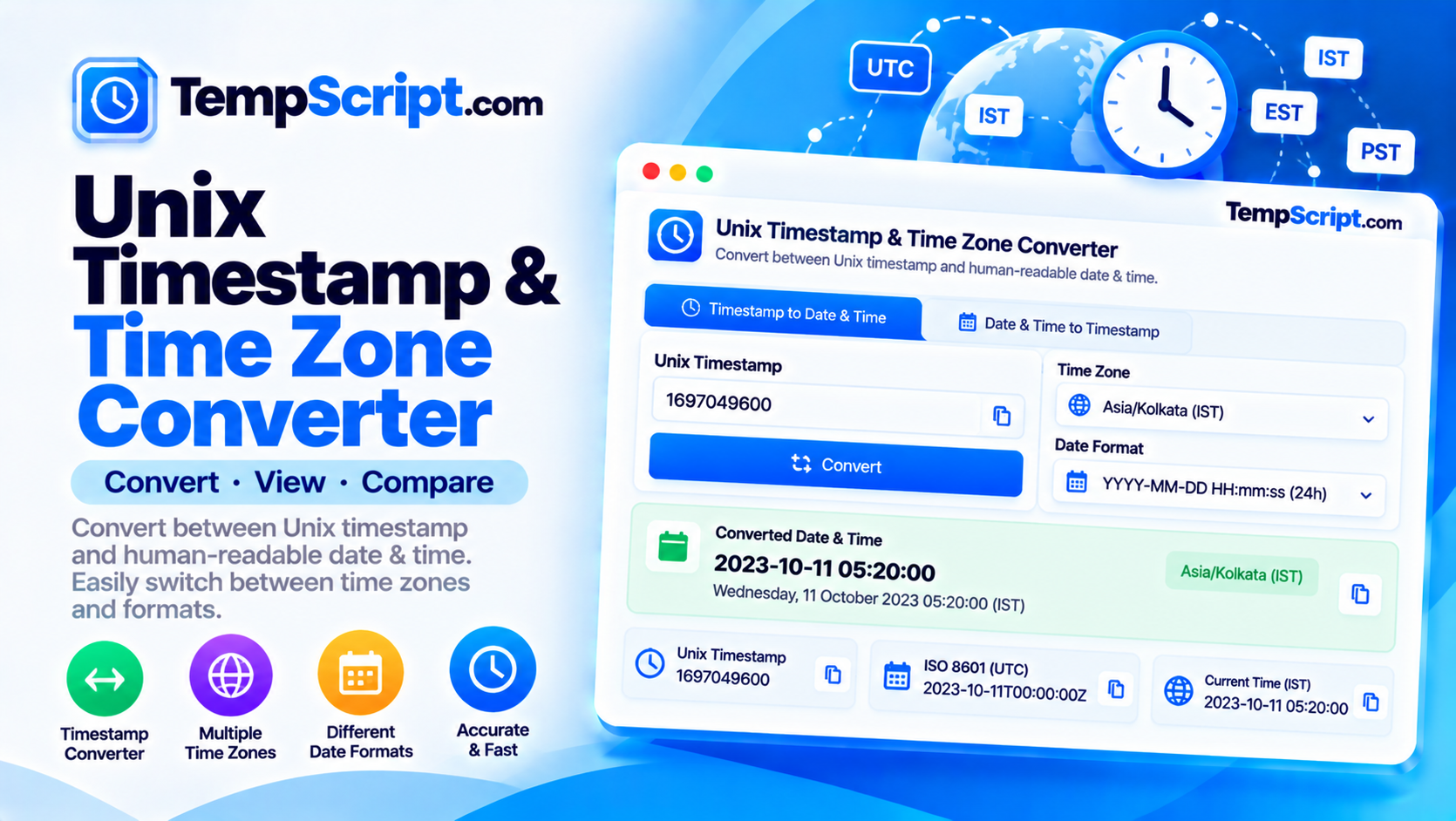
The tool auto-detects whether your timestamp is in seconds (10 digits) or milliseconds (13 digits). You can also force the unit manually.
Pick from a curated list of common IANA time zones. Daylight saving transitions are handled by the browser's built-in Intl database.
Get the same instant as an ISO 8601 string in UTC and in local offset form, ready to paste into APIs or config files.
Enter two timestamps or pick two dates and see the exact difference in days, hours, minutes and seconds.
Turn a date and time in any time zone back into a Unix timestamp with a single click.
Every result row has its own copy button, and a single click copies all values at once.
Date and Intl APIs. Nothing is sent to a server.Date objects, while most Unix systems and APIs use seconds. This tool automatically detects which one you have entered based on the number of digits.Intl API, which uses the IANA time zone database. When you select a time zone, the conversion accounts for whether that zone is currently on daylight saving or standard time.2026-10-13T14:30:00Z, where T separates the date and time and Z indicates UTC. ISO 8601 is unambiguous and sortable, which makes it popular in APIs and databases.Every system that deals with time eventually has to answer the same question: how do you represent a moment so that everyone agrees on what it means? The Unix timestamp is one of the simplest answers. It counts the seconds since 00:00:00 UTC on 1 January 1970 and stores them as a single integer. That integer is the same number everywhere in the world, no matter which time zone you are reading it from.
If Unix time is unambiguous, why do time zones matter? Because humans do not experience time as a single number. We experience it as a local clock that matches the sun. A meeting scheduled for 09:00 in London is 04:00 in New York and 13:30 in Mumbai. Time zones are the translation layer between the abstract instant and the clock on the wall.
Daylight saving time complicates this further. Zones that observe DST shift by an hour in spring and back in autumn, and the dates of those shifts vary by country and sometimes by year. Never hardcode an offset. Always let a proper time zone database — like the IANA database used by the browser's Intl API — handle the conversion.
Unix time is traditionally measured in seconds, which gives about a 68-year range in a signed 32-bit integer. That is the origin of the Year 2038 problem. Modern systems store Unix time in 64-bit integers, which will not overflow for roughly 292 billion years. JavaScript, though, uses milliseconds internally in its Date object, which is why the same instant can be represented as 1760328600 (seconds) or 1760328600000 (milliseconds). The 1000× difference is the single most common source of timestamp bugs, so this tool auto-detects which form you have entered based on the number of digits.
When you need to send a timestamp to another system, an integer is not always ideal. ISO 8601 is a text format designed to be unambiguous and sortable: 2026-10-13T14:30:00Z. The Z suffix means UTC. If the time is expressed in a local offset instead, the same instant looks like 2026-10-13T16:30:00+02:00. Both forms represent the same moment. This tool shows you both, so you can paste whichever your API expects.
This Unix timestamp converter is part of the TempScript free online tools collection. It runs entirely in your browser, requires no account, and never sends your data anywhere. If you work with APIs and databases regularly, you may also find our JSON formatter and URL encoder and decoder useful for quick formatting tasks.
© 2026 TempScript. All rights reserved.